The port count question looks simple, but it decides size, heat, power sharing and price — and the right answer depends on the user's day, not on what looks impressive on a spec sheet. This guide compares single, dual and multi-port configurations in the scenarios that actually happen.
How port count changes everyday charging
More ports mean more flexibility but also more size, heat and cost. A single-port charger is the smallest; a multi-port charger replaces several bricks but must share its total output between ports, which is where buyer confusion starts.
Each port needs its own controller channel, current-sense circuitry and sometimes a dedicated converter stage, which is why port count is not free. A single-port design can put all its cost into one high-quality channel; a multi-port design must split the same budget across several channels while keeping total output, thermals and certification in line. The buyer-visible result is a price and size ladder that tracks port count more than any other single feature.
Single-port: the smallest and simplest
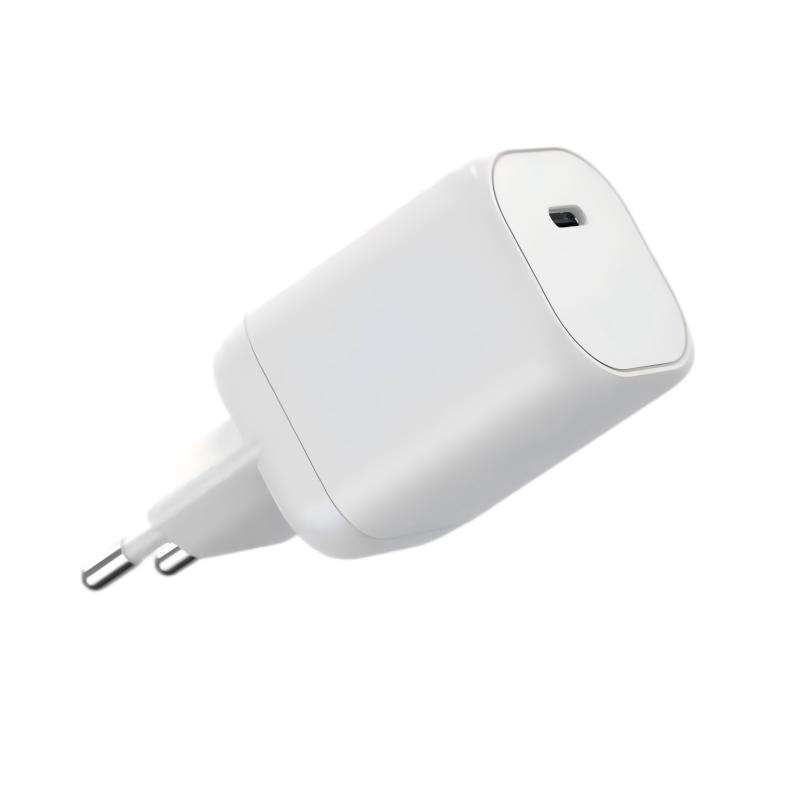
A single-port charger is the lightest, coolest and cheapest option, and for a phone-only user it is all that is needed. The trade-off: when a second device needs power, the charger cannot help — which is why single-port units dominate travel pouches as backup chargers rather than primary ones.
The single-port charger's quiet advantage is thermal simplicity: one converter channel running one load leaves thermal headroom, so a 30W single-port often runs cooler than a 30W dual-port under the same load. It is also the easiest product to certify and the cheapest to source, which is why entry-level and travel backup SKUs stay single-port. The limitation is not speed but flexibility — one device at a time, period.
Dual-port: phone plus a second device
Dual-port chargers cover the most common real-world scenario: phone plus earbuds, or phone plus a second phone. Power sharing is usually straightforward — the charger splits its capacity between the two ports, often with one port keeping priority for the higher-wattage device.
Three or more ports: convenience vs footprint
Multi-port chargers handle phone, tablet, earbuds and a laptop from one brick, but they are larger and run warmer at load. Power allocation gets more complex: some designs share total wattage dynamically, while others fix limits per port. Buyers should always check the "combined output" table, not just the headline wattage — a rule that matters more as multi-port GaN charging spreads.
Multi-port designs add a layer of power-management complexity that shows up in two buyer-facing ways: the combined-output table and the redistribution behavior when a device unplugs. A good multi-port charger reallocates power dynamically, so unplugging a laptop instantly speeds up the remaining ports; a weak design locks its allocation and wastes capacity. Both behaviors are testable in two minutes with a power meter.
Weight, heat and price trade-offs
Every port adds a controller channel, current-sense circuitry and thermal load. The practical result: a 65W dual-port is smaller and cheaper than a 65W three-port, and runs cooler under the same load. The premium for extra ports is only worth it when the user genuinely charges two or three devices at once.
The power-allocation table is the hidden spec: a 65W three-port charger may deliver 45W + 10W + 10W or 30W + 20W + 15W depending on the design, and the difference decides whether two phones fast charge at once. Read the combined-output table before buying, and check how the allocation changes when a port is unplugged — good designs redistribute power dynamically, weak ones lock the split at plug-in.
Matching port layout to your target user
| User | Suggested layout |
|---|---|
| Phone-only commuter | Single-port 20–30W |
| Phone + earbuds | Dual-port 30–35W |
| Phone + tablet | Dual-port 45–65W |
| Traveler with laptop | Multi-port 65–100W |
| Family / shared desk | Multi-port 100W+ |
Port layouts compared in real scenarios
Two phones from one brick: a dual-port 30W unit delivers around 15W+15W or 20W+10W depending on the design — fine for overnight, slower for emergency top-ups. Phone plus laptop: you need a port that delivers at least the laptop's requirement, so check per-port output before buying.
Real scenarios expose layout trade-offs that spec sheets hide: two USB-C ports suit modern devices but strand legacy cable owners; USB-C plus USB-A covers both but may cap the A port at 12W; a single high-power port plus two low-power ports fast-charges one laptop and trickles two phones. Match the layout to the buyer's likely device mix — the family desk and the business travel pouch need different configurations.
Charging two phones from one brick
When two phones charge from one brick over USB Type-C, the total is capped by the charger's rated output. A 30W dual-port charges two phones at moderate speed; a 65W dual-port gives each phone closer to its fast-charge limit. If fast charging two phones matters, size the brick for the sum.
Heat and power sharing with multiple ports
More ports under load mean more heat in a smaller space — a constraint documented in power supply design references — which can trigger thermal derating if the design is weak. Ask for the combined-output table and the sustained multi-port output, not just the single-port spec — the difference shows up in real use.
Port preference by traveler type
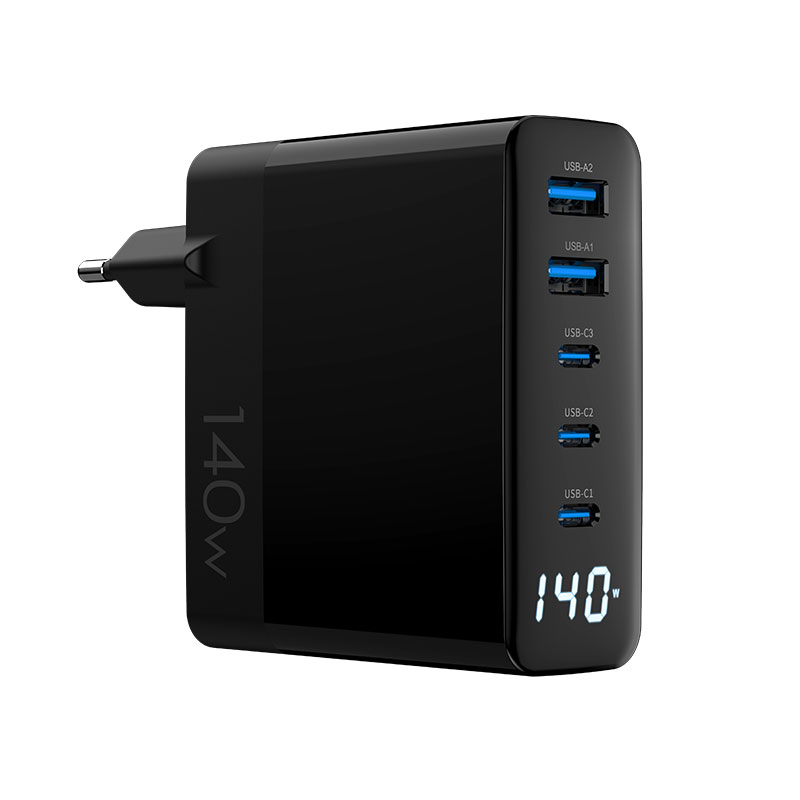
Minimalist travelers often prefer a compact dual-port (phone + earbuds); business travelers lean toward 65–100W multi-port bricks that also charge a laptop; families and shared desks benefit from 140W multi-port stations. The WET-100W-C 100W GaN adapter and the WEG-140W-2A3C 140W multi-port model illustrate the two ends of this spectrum.
Use-case segmentation explains most purchasing patterns. A commuter who charges one phone overnight buys the smallest single-port unit; a business traveler who carries phone, earbuds and a laptop naturally lands on a 65–100W multi-port brick; a family desk with several devices gravitates to a high-wattage station. Sellers who match port layout to these personas sell more than sellers who compete on port count alone.
How to test port layouts before buying
Before committing a SKU, test the layout you plan to sell: charge two devices simultaneously for 30 minutes, measure combined output and surface temperature, and compare with the marketing table. The USB PD spec governs how each port negotiates; the design governs how well the sharing behaves.
A two-device, 30-minute simultaneous test reveals what the spec sheet hides: measure each port's actual delivered wattage, watch how allocation changes when a device is added or removed, and check skin temperature at the end. Compare the measured numbers against the combined-output table — designs that match their tables are the ones worth stocking.
FAQ
Is a dual-port charger better than a single-port?
For most users, yes — phone plus earbuds or a second phone is common, and dual-port units add only modest size and cost. Phone-only minimalists can save weight with single-port.
Can two phones fast charge from one brick?
Only if the charger's total output and per-port limits allow it. A 30W dual-port shares the budget; a 65W or higher dual-port can fast charge two phones at once.
Does a multi-port charger get hotter?
Generally yes, because more power conversion happens in the same volume. Check sustained multi-port output and thermal behavior rather than just the port count.
What is combined output on a multi-port charger?
The maximum total power the charger can deliver across all ports at once. It is usually lower than the sum of the individual port maximums, and it is the number that matters for real use.
Choosing port configurations for your charger lineup? Send your target users and wattage mix to our team through the contact page — we will help you match port layouts to the buyers you serve.
This article is part of Desktop & Multi-Port Charging, the guide that covers this topic in decision order.