At four ports and above, the question stops being "which charger" and becomes "one hub or several chargers." The answer depends on power needs, cable clutter, cost and failure tolerance. This guide compares charging hubs against scattered single chargers so you can pick the setup that fits the room.
When port count becomes a hub question
The crossover happens when the room has more devices than outlets and more chargers than patience. A desk with a laptop, phone, tablet and earbuds, or a family room with several phones, is the moment a hub earns its place. Below four devices, multiple single chargers are simpler; at four and above, the hub's consolidation starts to win.
The crossover is visible in the outlet count: four devices on a desk usually means more chargers than sockets, and that is the moment a hub stops being an option and becomes the answer. USB-C standardization made the hub practical, because one connector and one negotiation language serve every device. The hub's split map then decides whether four devices charge at useful speeds or compete for a trickle — read it before buying, and understand the power supply design that produces it.
What a multi-port hub really provides
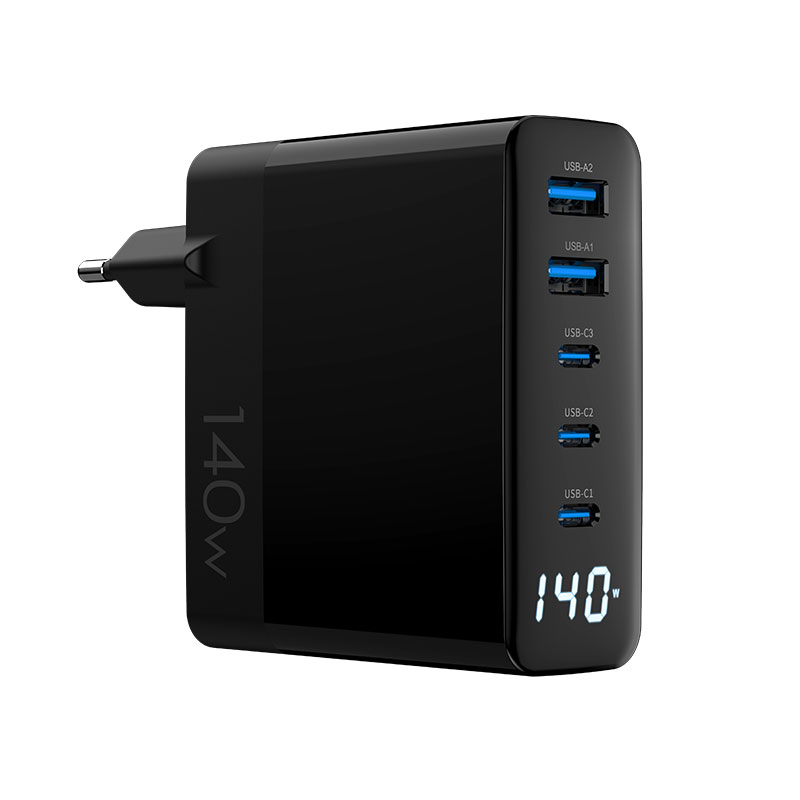
A multi-port hub provides one power source, one cable to the wall, one footprint and one place to manage. The real value is the split map: a 140W hub can fast-charge a laptop and a phone simultaneously where two 65W chargers would need two outlets and two cables. The hub also centralizes cable management — everything exits one device instead of a nest of bricks.
The hub's value also scales with USB-C standardization: one connector and one negotiation language mean the hub's split map serves every device type. A hub with a documented split table answers the compatibility question before it is asked, and USB PD guarantees the handshake layer. The remaining variable is thermal behavior under full load — the spec that separates hubs that hold their promise from hubs that shrink under pressure.
The case for multiple single chargers
Multiple single chargers win on redundancy, placement and cost: a dead charger in one room does not affect the others, chargers can sit exactly where devices charge, and buying two 30W chargers is often cheaper than one 100W hub. The costs are outlets, cables and clutter. For homes where every device has a permanent spot, scattered chargers remain a valid choice.
The scattered-charger case is strongest where placement matters: a charger at each bedside, each desk and each couch means no device travels to charge. The cost is outlet pressure and cable clutter, and the PD standard makes every single charger interoperable with every device. For households that already own two or three chargers, the incremental purchase is usually one more 20W unit — cheaper than a hub that duplicates what they have.
Power, heat and footprint comparisons
The engineering trade-offs are visible: a hub concentrates heat in one place, so thermal behavior matters more; scattered chargers spread heat but multiply footprint and cables. A 140W hub runs warmer than four 30W chargers spread around, but occupies one socket and one desk corner. The comparison is heat density versus cable sprawl — and the answer depends on the desk.
Cost comparison across configurations
The cost math: one 140W hub versus two 65W plus two 20W chargers. The hub wins on total wattage per dollar and single-cable simplicity; the scattered set wins when you already own chargers and only need to add one or two. Include the outlet cost — a room with two usable outlets cannot host four chargers without a power strip, which erases part of the scattered-set advantage.
Choosing the right setup per room
| Room | Recommended setup |
|---|---|
| Single desk, laptop + devices | 100–140W hub |
| Family room, several phones | 4+ port hub |
| Bedrooms, one device each | Individual 20W chargers |
| Home office + kids' room | Hub at the desk, singles elsewhere |
Cable clutter: hubs vs scattered bricks
Clutter is the strongest practical argument for a hub: one brick, one wall cable, and organized port exits versus a power strip with several bricks and a tangle of cables. For a visible desk or a shared family surface, the hub's tidiness is worth measurable money. For hidden charging (behind furniture, under a desk), scattered chargers are invisible anyway and clutter does not matter.
How hubs handle mixed USB-A and USB-C devices
Mixed-device households need USB-A and USB-C ports, and hubs handle them with one caveat: USB-A ports typically deliver less power (often 12–20W) than USB-C, and the split map treats them accordingly. A hub's value in a mixed household depends on the USB-C port count and wattage — check the split table before assuming every port serves every device at speed.
Failure and replacement impact of one big hub
The single point of failure is the hub's weakness: when it dies, everything loses power at once, and the replacement is a bigger purchase than any single charger. The mitigation is a small backup charger for the critical device. For households, the failure impact is an inconvenience; for a home office where the laptop must charge, the backup is mandatory.
The single point of failure deserves a mitigation plan: keep one small charger for the critical device, and choose a hub whose warranty and replacement path are known before it fails. The certified hub options with documented quality control reduce the failure probability, but the backup is the plan, not the probability. Households accept the trade for tidiness; home offices with a must-charge laptop should keep the spare.
Travel: when a hub still makes sense
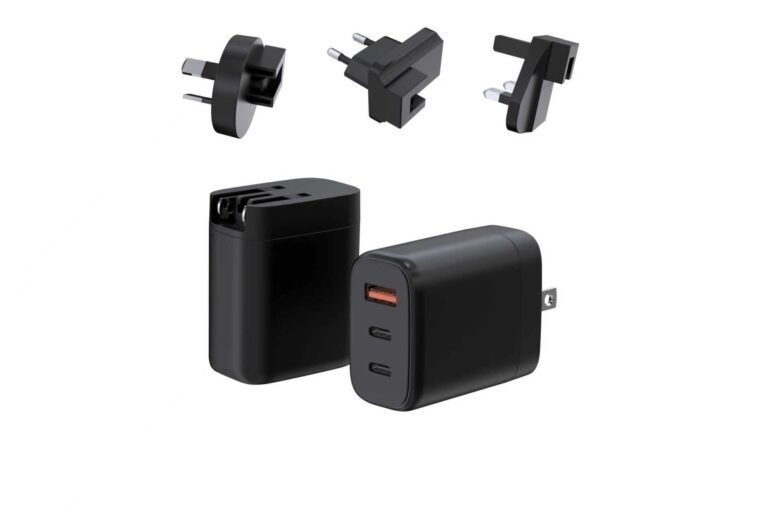
Travel flips the logic: one hub in the bag replaces the hotel-room outlet shortage, charges laptop, phone and earbuds from one socket, and packs smaller than three chargers. The trade-off is weight and the single point of failure on the road. A 100W travel hub is the sweet spot; a 140W unit adds workstation headroom.
Travel is where the hub's value is most visible: one socket in a hotel room charges the laptop, phone and earbuds from a single brick, and the bag carries one charger instead of three. The trade-offs are weight and the single point of failure, both manageable with a 100W hub and a short backup cable. The packing rule follows the workload: a business trip with a laptop and phone justifies the hub; a weekend with just a phone does not. Sellers who frame the hub as the travel system, with the cable kit included, sell the complete answer rather than a component.
Decision matrix for desk and family rooms
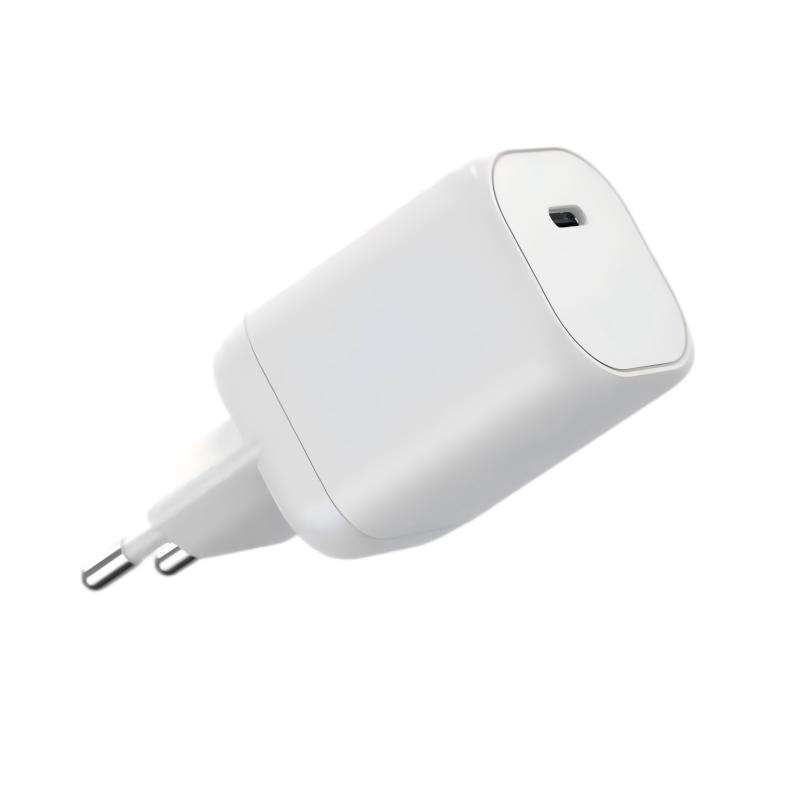
The decision matrix: choose a hub when the room has 4+ simultaneous devices, limited outlets, a visible desk or a travel need; choose scattered chargers when devices have permanent separate spots, redundancy matters, or the budget favors incremental purchases. The WEG-140W-2A3C 140W hub and the WET-100W-C 100W model represent the hub tiers; a 20W single charger represents the scattered alternative.
FAQ
Is a 4-port charging hub better than multiple chargers?
It depends on the room: hubs win on outlet use, cable tidiness and simultaneous high-wattage charging; scattered chargers win on redundancy and placement flexibility.
Do charging hubs get hot with many devices?
More power in one enclosure means more heat, so hub thermal behavior matters. Check the sustained multi-port output and skin temperature rather than the peak rating.
Can a hub replace several laptop chargers?
Yes, if its total wattage and split map cover the laptops' requirements. A 140W hub can power a laptop plus devices; two heavy workstations need more total power.
What happens when a charging hub fails?
Everything connected loses power at once, which is the hub's single point of failure. Keep a small backup charger for the critical device.
Choosing between hubs and scattered chargers for your home or product line? Send your device mix to our team through the contact page — we will help you match hub tiers and split maps to the room.
This article is part of Desktop & Multi-Port Charging, the guide that covers this topic in decision order.