For most ultrabooks, 65W is enough — and for some, it is not. The answer depends on the screen size, the chip, the dock and the workload, which is why a power budget beats a guess. This guide walks through what ultrabooks consume, when 65W falls short, and how to build the budget that answers the question for your specific laptop.
What ultrabooks actually consume
Thin-and-light laptops are engineered for efficiency: an M-series MacBook or a modern Intel/AMD ultrabook idles in the 5–15W range and peaks at 25–45W under sustained load. The screen is the quiet consumer, chips spike during bursts, and the rest is overhead. That profile is exactly why 65W is the default tier — it covers the workload with room for charging and peripherals.
The efficiency story behind ultrabook power draw is worth knowing: modern chips idle in the single digits and burst well below their TDP for most tasks, which is why a 65W charger feels like more than enough in daily use. The power supply design references that shape these chargers optimize for exactly this profile — high efficiency at partial load, because that is where the laptop lives. The rare heavy sessions, not the daily average, are what push the budget toward 100W.
The 65W tier: coverage and limits
A 65W charger covers the ultrabook's workload, recharges the battery while working, and powers a small dock or a phone — as long as the peak stays under about 50W. The limit appears when the peak plus the extras exceeds the budget: a 16" ultrabook rendering video while a dock runs an external display and the battery is low can pull the full 65W and still drain slowly.
The coverage question has a protocol side too: a 65W charger only delivers its full output when the laptop negotiates it over USB PD, and some ultrabooks cap USB-C input below the charger's rating. Check the laptop's USB-C input spec before assuming the charger is the limit — the USB Type-C connector is universal, but the input wattage is a per-model decision. Power supply design references describe the negotiation and thermal behavior in detail. The 65W tier remains the right default for most ultrabooks precisely because the protocol and thermal margins line up.
Scenarios where 65W falls short
The shortfall scenarios are identifiable:
- 16" ultrabooks under sustained load: peaks can reach 50–70W, leaving no margin.
- Ultrabook + dock + external drive: the peripherals add 10–20W on top of the laptop.
- Battery charging while working: recharging adds current to the workload draw.
- Charging the phone from the laptop's port: the laptop supplies that power, adding to its draw.
Each scenario individually fits inside 65W; the combination is where the budget breaks.
The shortfall scenarios share one feature: they stack loads. A 16" ultrabook exporting video while a dock drives an external display and the battery is below 20% can exceed a 65W charger's budget even though no single element does. The stack is the reason the USB PD negotiation number matters — the laptop requests what it needs, and if the request exceeds the charger's ceiling, the battery pays the difference. Recognizing the stack before buying saves the upgrade purchase later.
Power budget worksheet for your laptop
Build the budget in four steps:
- Find the laptop's peak draw (spec or measured) — typically 25–45W for ultrabooks.
- Add peripherals: 10–20W for a dock and external display.
- Add battery charging: 10–20W if you expect the battery to fill while working.
- Compare the total against the charger tier; 65W covers totals up to about 55W with margin.
If the total exceeds 55W, move to 100W.
Comparing 65W chargers across brands
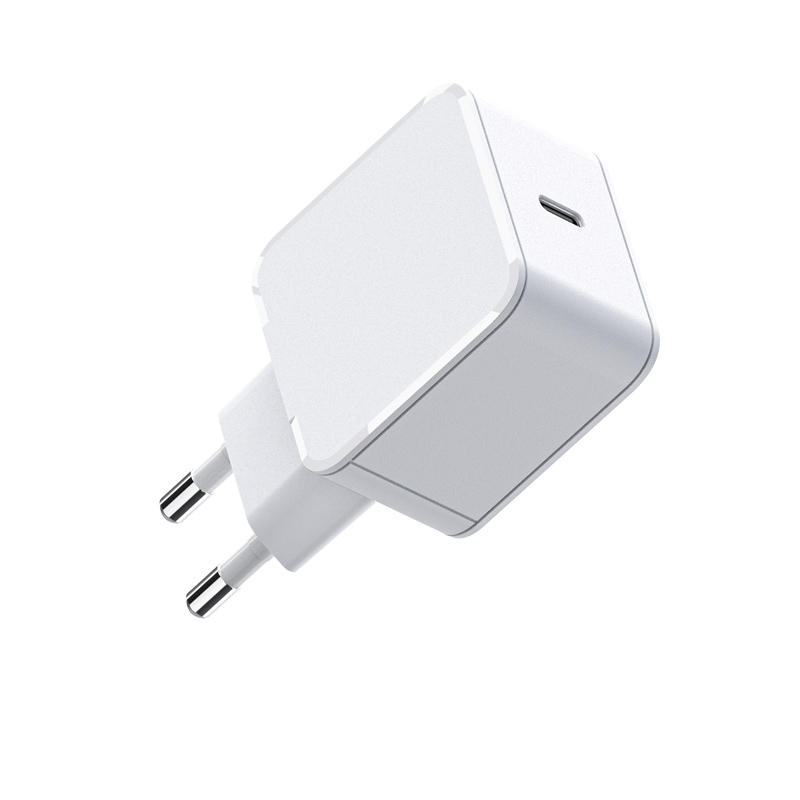
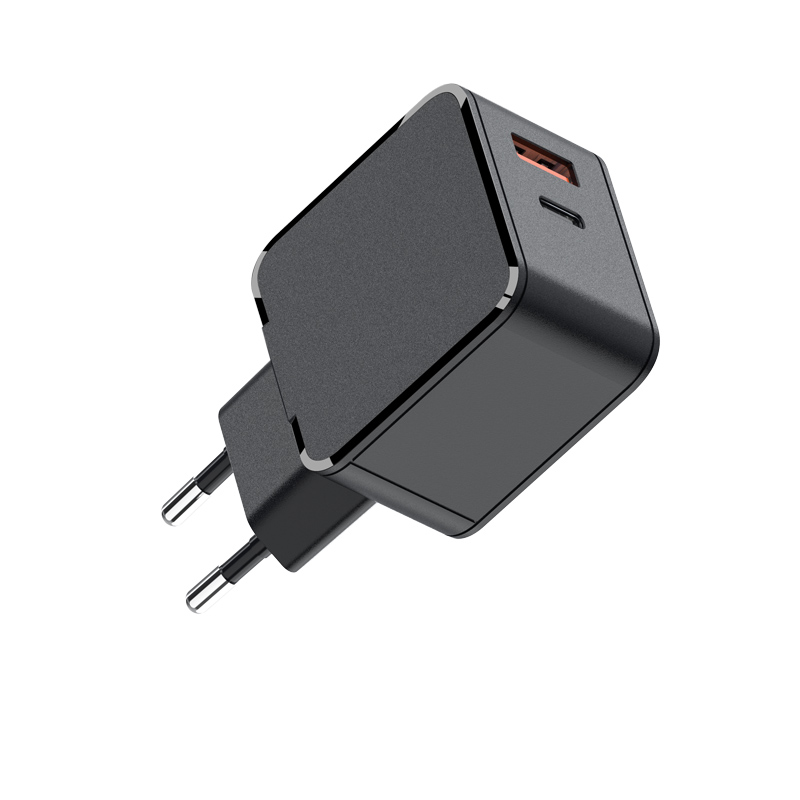
65W chargers differ in four ways that matter: the combined-output table (single-port 65W versus 45W+20W dual-port), the PPS profile, the size and weight, and the certification set. A dual-port 65W charger that delivers 45W to the laptop and 20W to a phone covers more real-world setups than a single-port unit. The WET-65-C and the WET-65-CA show the two common layouts.
The comparison should weight the four specs by the buyer's use: a traveler values weight and foldable plugs, a desk user values port count and split map, and an IT buyer values certification and warranty. The USB Type-C standard guarantees the connector, but the allocation table and thermal data decide the daily experience. Publishing all four specs with measured numbers is what separates a 65W line that sells itself from one that needs a salesperson.
Sourcing a 65W line for retail
For retail, the 65W tier is the volume SKU: it covers the largest laptop segment and the price is competitive. Segment the line by port layout (single vs dual) and plug variants, and publish the combined-output table and PPS profile per SKU. Certification per market is the baseline; the PPS range and the tested laptop list are the differentiators.
Ultrabook power consumption examples
As a reference: a 13" ultrabook in office work draws 10–20W; a 14" productivity laptop exporting video peaks near 40W; a 16" ultrabook under sustained load can reach 50–70W. The 65W tier covers the first two comfortably and brushes the ceiling on the third — which is exactly the boundary the budget worksheet identifies.
When 65W is plenty
65W is plenty when the laptop is 13–14", the workload is office and media, the dock is small or absent, and you are not trying to fast-fill a drained battery while rendering. That covers the majority of ultrabook users and makes 65W the sensible default recommendation.
The majority case is genuinely comfortable at 65W: a 13–14" ultrabook in office work, media and light creative tasks, charging overnight and topping up during the day. That profile is why 65W remains the default tier for thin-and-light laptops and why certified 65W GaN chargers outsell every other tier in retail. The decision rule is honest: if the budget worksheet totals under 55W, 65W is the right purchase, and the money saved versus 100W belongs elsewhere in the kit.
When 65W falls short
Step up to 100W when the laptop is large, the workload is sustained, the dock carries multiple devices, or you routinely need the battery to charge while working. The extra 35W is insurance that costs little and eliminates the slow-drain surprise.
Comparing 65W chargers
Compare on the four specs, then test: connect the charger to your laptop under your heaviest workload with the battery at 50%, and watch whether the battery gains or loses. That single test beats any spec-sheet comparison for the decision that matters.
Sourcing 65W lines for retail
When sourcing, specify the exact tier behavior in the RFQ: single-port 65W or 45W+20W allocation, PPS range, efficiency, standby power and certification. Ask for per-batch test data so the retail promise matches production. A 65W line sourced this way is the backbone of a laptop-accessory catalog.
FAQ
Is 65W enough for a MacBook Air?
Yes — a MacBook Air peaks well under 45W, so 65W covers the workload with generous headroom for charging and peripherals.
When does an ultrabook need 100W instead of 65W?
When it is a 16" model under sustained load, when a dock and external devices add draw, or when you need the battery to charge while working. If the budget totals over 55W, step up.
Does a 65W charger charge a drained ultrabook while it works?
For light work, yes. Under sustained load, the battery may gain slowly or not at all — the charger is covering the workload first.
Can a 65W dual-port charger power a laptop and phone at once?
Yes, if the allocation is 45W+20W or similar. Check the combined-output table, because some 65W dual-port designs deliver much less on the second port.
Building a 65W laptop-charger line or choosing one for your fleet? Send your device mix to our team through the contact page — we will match wattage, ports and PPS to your laptops.
This article is part of Laptop Chargers, the guide that covers this topic in decision order.