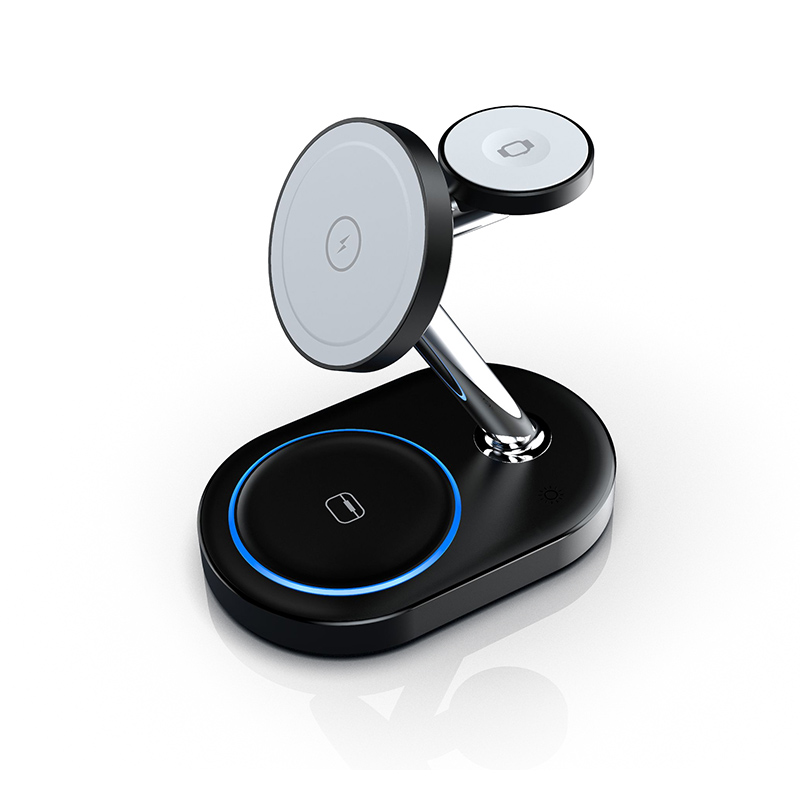
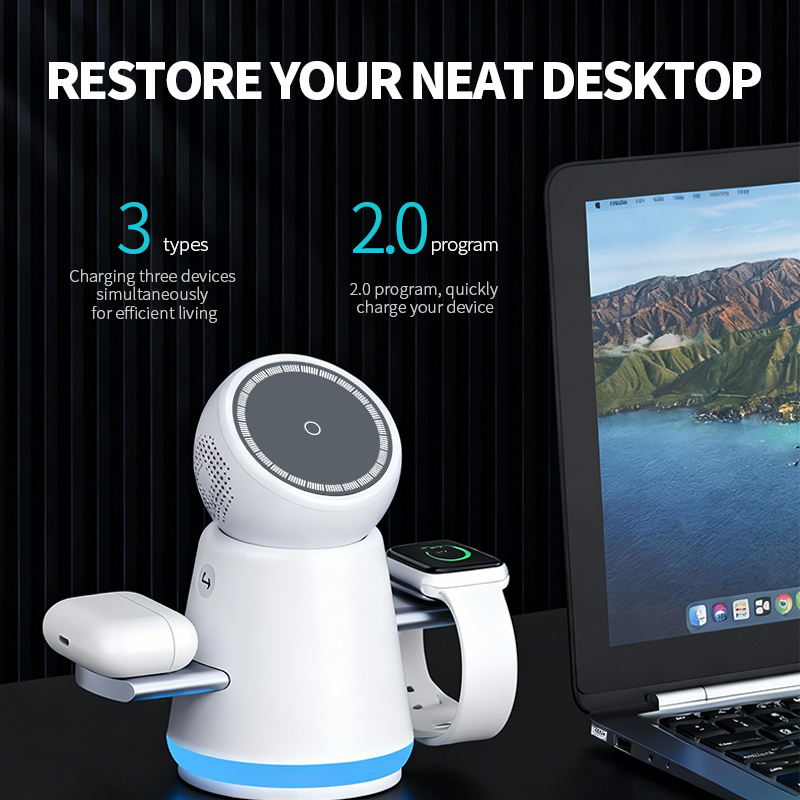
The watch spot is the hardest part of any 3-in-1 charger: many stations fast charge the phone but only trickle the watch. Understanding which Apple Watch models fast charge, what the hardware requires, and how to verify the speed separates real 3-in-1 stations from marketing ones.
Which Apple Watch models support fast charging
Fast charging is supported on Apple Watch Series 7 and later, all Ultra models, and Apple Watch SE 3 — with the newest models filling fastest, as coverage of Apple Watch fast charging details. Older models (Series 6 and earlier, SE 1/2) do not support fast charging at all, regardless of the charger.
The model list is the fastest compatibility check and the easiest place for listings to err: claiming fast charging for a Series 6 or SE 2 is factually wrong and generates returns. Keep the model table current at each Apple Watch launch, and phrase it as "fast charging supported on Series 7 and later, Ultra models and SE 3" so the boundary is explicit. Accuracy here is cheap; corrections after a launch wave are not.
What fast charging for Watch requires in hardware
Fast watch charging needs a certified fast-charge module in the station — not just a standard 5W puck. The module must negotiate Apple's fast-charge protocol, which is why cheap 3-in-1 stations quietly ship slow watch spots.
The fast-charge module is a distinct component with its own power profile and thermal behavior, not a firmware trick. When a 3-in-1 uses a standard 5W puck, the watch charges at legacy speed even if the phone spot is fast. The module also affects heat: fast watch charging generates more warmth in a small puck, which is why the module's thermal design matters in a multi-device station.
How to read 3-in-1 spec sheets for the watch spot
Look for explicit claims: "Apple Watch fast charging," "fast charge module," or a charging time (e.g., "0–80% in 45 minutes"). Vague lines like "for Apple Watch" without a module mention usually mean standard-speed charging.
The three phrases that mean fast: "Apple Watch fast charge module," a stated charge time (for example 0–80% in 45 minutes on Series 7–9), or explicit model support including Series 7 and later. Phrases that mean slow: "for Apple Watch" with no module mention, "universal watch charging," or wattage numbers below the fast-charge threshold. When in doubt, ask for the module part number and cross-check it.
Testing a station's watch charging speed
The practical test: charge a fast-charge-capable Apple Watch from a low battery and time it. A fast spot shows visibly faster progress in 15–30 minutes; a slow spot barely moves. Compare against Apple's stated fast-charge times for the model.
The test protocol for the watch spot: use a fast-charge-capable Watch from a consistent low battery level, time to a fixed percentage, and repeat at the same ambient. Compare the station's time against Apple's stated fast-charge figures for that model. A station that matches or approaches those numbers has a real fast module; one that takes twice as long has a slow spot regardless of its marketing.
Watch charging in foldable travel stations
Foldable travel 3-in-1 stations often compromise the watch spot to save space. If fast watch charging matters to your buyer, verify the foldable model uses a fast module; many do, but the spec must say so.
Questions to ask before sourcing watch chargers
- Does the watch spot use a certified fast-charge module?
- What is the rated watch charging time from empty to 80%?
- Which Apple Watch models were tested with this station?
- Can you share test data for the watch spot?
- What certification covers the wireless module?
Why the watch spot is the hardest part of a 3-in-1
Watch modules are smaller, more expensive and less standardized than phone coils in the wireless charging ecosystem, and Apple's fast-charge protocol is proprietary. That makes the watch spot the most common corner-cutting point in 3-in-1 design — and the reason "fast charge" claims need verification.
Three reasons: the module is proprietary and certified, so it costs more than a generic puck; the physical space on a foldable station is tight, so designers are tempted to use a smaller slow module; and buyers rarely check the watch spot until after purchase. That combination makes the watch spot the most common place for a 3-in-1 to cut corners — and the most common source of returns once buyers notice.
Certification and safety notes for watch chargers
Wireless chargers need certification for the target markets — see safety touch-temperature limits — and the watch module should be a certified component. Qi2 wireless charging covers the phone spot; the watch spot follows Apple's module certification. Confirm both before sourcing.
Watch battery health and charging habits
Fast charging is safe for supported models and the watch manages heat itself. Avoid charging at extreme temperatures, and note that leaving the watch on a slow spot all night is also fine — fast charging matters most for morning top-ups.
Watch batteries are small and their health is rarely reported, so users cannot see the degradation that affects charging speed. The habits that help: charge at moderate temperatures, avoid leaving the watch on the charger for days, and use the station's intended spot rather than an improvised third-party puck. For sellers, including these habits in the product guide reduces support load and protects the watch's reputation.
Compatibility with older Apple Watch models
Older watches without fast-charge support charge at standard speed on any station; a fast module simply falls back to normal charging. This makes a fast-module station a future-proof choice for households with mixed watch generations.
Older watches charge at standard speed on any station, so a fast-module station is backward-compatible by design — it simply negotiates the legacy profile. This makes the fast module a safe upsell for households with mixed watch generations: the newest watch gets the speed, the old one keeps working. List this backward compatibility explicitly; it answers the most common compatibility question before it is asked.
What factory specs reveal about the watch spot
Factory specs that name the module, list charging times and provide test data are the ones to trust. A station like the Y302 Qi2 3-in-1 magnetic charger or the R9 3-in-1 rotary station should answer all five sourcing questions before you commit.
The depth of a factory's watch-charging spec is a proxy for its engineering honesty: naming the module, publishing charge-time data per watch generation, and sharing test evidence indicates the feature is real. Vague wording, missing module details and generic "fast charge" claims signal that the watch spot was an afterthought. Source accordingly.
FAQ
Which Apple Watch models support fast charging?
Series 7 and later, all Ultra models, and Apple Watch SE 3. Series 6 and earlier, SE 1 and SE 2 do not support fast charging.
How do I know if a 3-in-1 fast-charges the watch?
Check the spec for a certified fast-charge module and a stated charging time; better yet, time the charge on a supported Apple Watch.
Why does my watch charge slowly on a 3-in-1?
Either the watch model does not support fast charging, or the station uses a standard-speed watch module. The latter is common in budget 3-in-1 stations.
Is fast charging bad for the Apple Watch battery?
No — Apple designed supported models for fast charging and the watch manages heat and power itself.
Sourcing a 3-in-1 station with real watch fast charging? Send your requirements to our team through the contact page — we will share module specs and watch charging test data for our wireless lineup.
This article is part of iPhone Chargers, the guide that covers this topic in decision order.