The cable is the most common silent bottleneck in laptop charging: a 100W charger paired with a 3A cable delivers 60W, and a 240W EPR charger without an EPR cable delivers nothing above 60W. This guide explains cable ratings, EPR requirements and how to choose cables that let your charger deliver what it advertises.
Why laptop charging needs heavier cables
Laptop charging pushes high current through the cable, and current is where cables fail: resistance causes voltage drop, voltage drop reduces delivered power, and heat follows. The USB-C specification solves this with current ratings and, above 3A, an E-Marker chip that tells the charger the cable's capability. A cable rated for the session is not a luxury — it is the difference between 60W and 100W delivered.
The physics is simple: current through resistance creates voltage drop and heat, and laptop charging pushes enough current that cable quality becomes a specification rather than an afterthought. The USB-C specification formalizes this with current ratings and the E-Marker chip, which is the cable's identity card during negotiation. A cable that cannot present the right identity caps the session by design — the system is protecting the cable from itself.
Reading cable current ratings: 3A vs 5A
The ratings map to power at the common voltages: 3A at 20V delivers 60W, and 5A at 20V delivers 100W. Below 60W, a 3A cable is fine; above it, the cable must be 5A-rated with an E-Marker. The rating is printed on the connector or packaging — and it is enforced by the E-Marker chip, which is why a thick cable without the chip still caps at 3A.
EPR cables and the 240W future
PD 3.1 EPR pushes past 100W using higher voltages (28V, 36V, 48V) and currents up to 5A, reaching 140W, 180W and 240W. EPR cables are built and marked for this capability, and both the charger and laptop must support EPR for the high profiles to negotiate. A standard 5A cable delivers 100W but not the EPR profiles; an EPR cable is required for 140W+.
Cable length, resistance and heat
Resistance scales with length: a 2-meter cable has roughly twice the loss of a 1-meter cable at the same current. At 100W, a long thin cable can drop delivered power by several watts and run warm. For high-power charging, prefer 1–2m cables with adequate gauge, and never coil a cable tightly while it is delivering high current.
Length and gauge trade against each other: a longer cable needs thicker conductors to hold its rating, which is why a 3-meter "100W cable" is heavier than a 1-meter one of the same rating. Heat follows resistance, so a thin long cable under load becomes a warm cable — a visible warning sign. USB PD negotiation accounts for the connection quality, but the practical rule for high-wattage charging is short cables and measured performance, not assumptions.
Verifying cable quality and certification
Certification is the quality signal: USB-IF certified cables carry tested ratings, and reputable brands publish current-carrying and E-Marker test data. Uncertified "5A" cables without the chip are common and silently cap every session at 3A. For fleet and bundle purchases, request the test report and verify with a power meter.
Verification is the difference between a printed rating and a delivered one: a power meter at the device end shows the actual wattage, and a teardown or E-Marker read confirms the chip exists. Certified cables carry USB-IF or equivalent test evidence, and reputable suppliers publish the data. For fleet and bundle purchases, request the cable's test report and verify a sample with a meter — the meter catches the counterfeit 5A cables that populate discount listings.
The verification habit for high-power cables is a one-time meter test: connect the charger through the cable to an electronic load or a demanding device, and compare the delivered wattage with the rating. A sag under load that exceeds a few percent fails the test. Fleet buyers should sample-test every cable SKU and keep the results on file, because the cable is where the delivered power promise breaks first.
Cable strategy for bundles and fleets
The bundle rule is simple: match the cable to the charger's highest-power port, and verify the pair in testing. For fleets, standardize one EPR-rated cable for high-wattage laptops and one 60W-rated cable for light devices, so every session delivers what the hardware promises. Label the cable rating on the bundle; buyers and support staff both need it.
Cable ratings for laptop charging
| Charger tier | Cable requirement |
|---|---|
| 45–60W | 3A (60W) rated, any quality USB-C |
| 65–100W | 5A (100W) with E-Marker |
| 140W | EPR-rated cable |
| 180–240W | EPR-rated cable (240W marked) |
The rating table is the compatibility shortcut, but two details deserve a closer look. First, the printed rating is only as good as the E-Marker: a cable stamped "5A" without the chip still negotiates as 3A, because the system reads the chip, not the print. Second, EPR ratings are a capability claim — a "240W" cable must hold the full current end to end, which depends on conductor quality and connector construction. Certified cables with published test data remove both doubts. For high-wattage sessions, the cable is the cheapest component and the one most worth verifying.
Choosing EPR cables
When buying EPR cables, check three things: the printed rating (140W/240W), the E-Marker support, and the manufacturer's test data. EPR cables cost more because the conductors and certification are heavier — that premium is the price of delivering the charger's full capability. For 140W+ sessions, an EPR cable is not optional.
Cable length and performance
The performance rule: keep high-power cables short, use adequate gauge for longer runs, and measure delivered wattage rather than trusting the rating. A 0.5m EPR cable delivers the full 240W profile cleanly; a 3m bargain cable may not hold it under load. Test the cable with a power meter at the device end before relying on it.
Verifying cable quality
The verification workflow: check the printed rating, confirm the E-Marker with a USB-C power meter or inspection, and run a full-load throughput test. Compare the delivered wattage against the rated value; a cable that sags under load fails the test regardless of its label. For bundles, verify every cable SKU against every charger tier you ship.
Bundling cables with laptop chargers
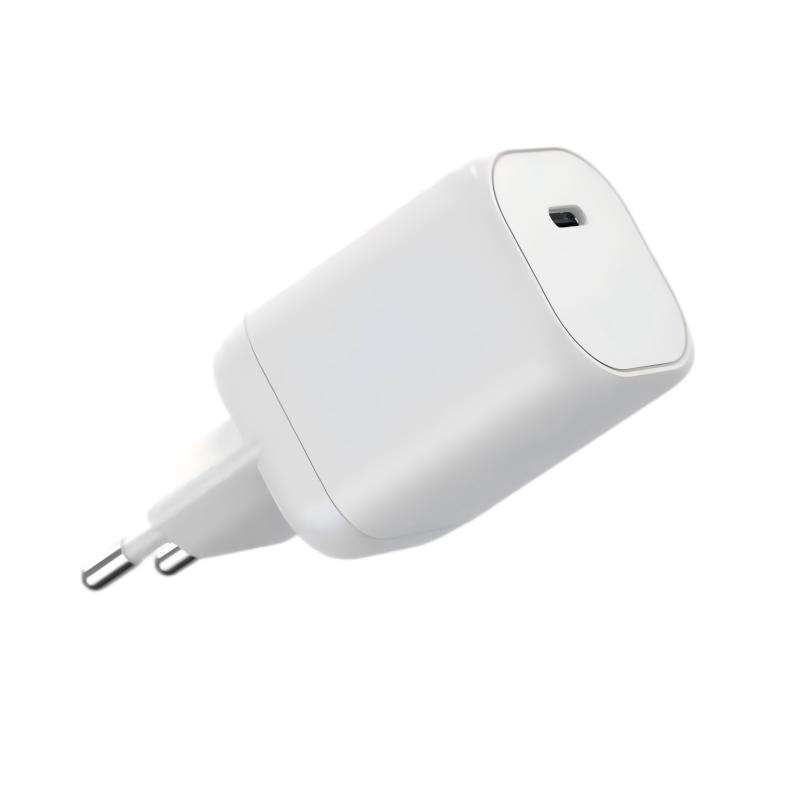
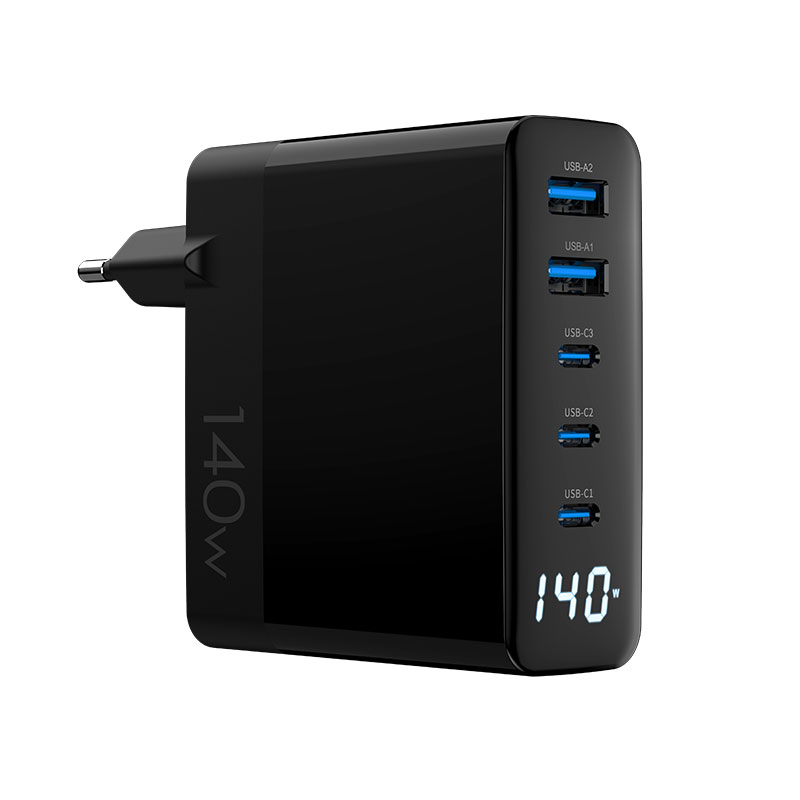
Bundle the cable that makes the charger honest: a 100W charger ships with a 5A E-Marker cable, and a 240W charger ships with an EPR cable. The WET-100W-C 100W adapter and the WEG-140W-2A3C 140W model each need their matching cable to deliver full output — and the bundle is where that match is made or missed.
FAQ
Do I need a special cable for 140W charging?
Yes — 140W requires a PD 3.1 EPR-rated cable. A standard 5A cable delivers up to 100W but cannot negotiate the EPR profiles.
What is the difference between 3A and 5A USB-C cables?
The current rating: 3A delivers up to 60W at 20V, and 5A delivers up to 100W. Cables above 3A must contain an E-Marker chip that the charger reads during negotiation.
Does cable length affect laptop charging?
Yes. Longer cables have more resistance and voltage drop, so they deliver less power under load. Use short, adequately gauged cables for high-wattage charging — short cables also coil more easily for travel.
How do I verify a cable can handle 240W?
Check the printed 240W rating and EPR marking, confirm the E-Marker, and run a full-load throughput test with a power meter. Certification data from the manufacturer is the reliable evidence, and the test result belongs in the purchase record for audits and bundles.
Building charger-and-cable bundles for laptops? Send your wattage tiers to our team through the contact page — we can match certified cables to our chargers and verify throughput in testing.
This article is part of Laptop Chargers, the guide that covers this topic in decision order.