Android tablets charge over USB-C with PD, but the wattage each brand accepts varies — and the difference shows when a tablet is charging while in use. This guide maps the wattage needs of Samsung Galaxy Tab, Pixel Tablet and Xiaomi Pad, plus the cables, protocols and fleet guidance that keep them charged.
How Android tablet power needs compare
Android tablets split into two charging classes: mainstream models that accept 15–30W and large or Pro-class models that accept 30–45W or more. The practical consequence is that a phone charger (often 20–30W) works for every tablet but fills large tablets slowly, and a tablet under heavy use may drain even while plugged into a small charger.
The comparison is simpler than the phone market because tablets negotiate almost universally over USB-C PD: Samsung, Google and Xiaomi tablets all accept a certified PD charger at their rated wattage, with proprietary peaks reserved for the phone side. That standardization means the USB PD specification is the compatibility baseline for the entire tablet category. The differences that remain are wattage tiers and use-while-charging behavior, not protocol mysteries — which is exactly why one certified multi-port charger serves every tablet brand.
Samsung Galaxy Tab charging requirements
Galaxy Tab models charge over USB-C with PD and PPS support on recent generations. Entry Tabs are comfortable at 15–25W, while the Tab S series benefits from 25–45W depending on the model. A 25W PPS charger covers most Tabs, and a 45W unit adds headroom for the large Tab S models under load.
Pixel Tablet and Xiaomi Pad wattage
The Pixel Tablet charges at modest wattage — a 30W USB-C PD charger covers it at its maximum — while Xiaomi Pads follow the Xiaomi pattern: proprietary speeds with the matching brick and PD fallback with universal chargers. The common thread is USB-C PD, which means one certified multi-port charger serves all three brands at their universal speeds. Tablets also charge more predictably over PD than phones do, because proprietary peaks are rare in this category — the universal layer is the full story for most tablet users.
Choosing a charger that covers tablet plus phone
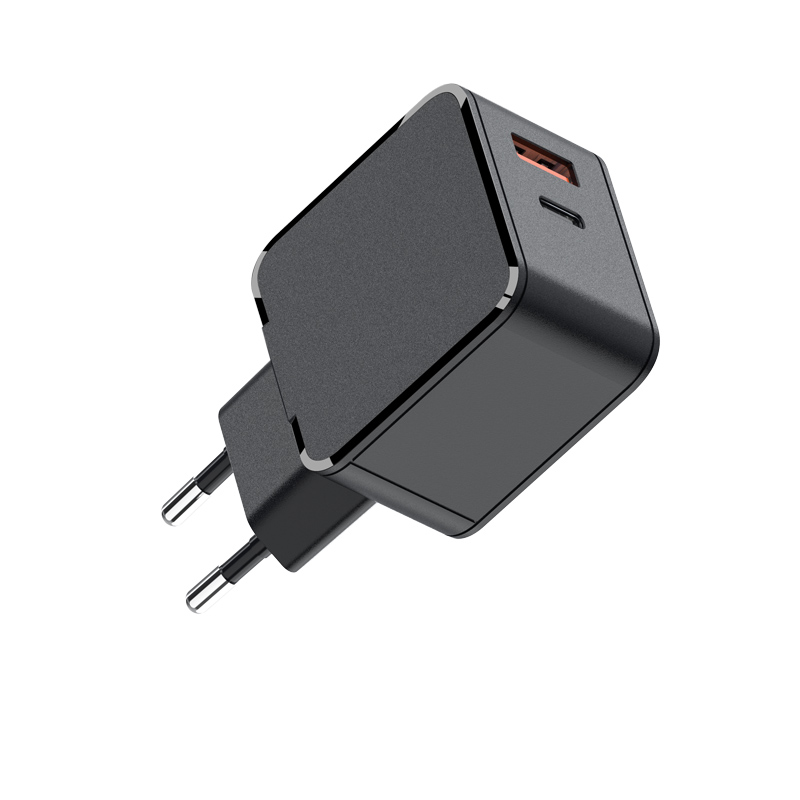
A tablet plus a phone needs a 45–65W multi-port charger: one port at 30–45W for the tablet and another at 20W for the phone. The WET-65-CA 65W adapter is the classic pairing; the WET-100W-C 100W model adds a laptop. Verify the combined-output table so the tablet port keeps its wattage while the phone charges.
The charger choice for tablet-plus-phone is a simultaneous-load decision: a 45W charger with a 30W+20W split covers a tablet and a phone at useful speeds, and a 65W unit adds headroom for the tablet under load. The split map is the spec — read the combination rows, not the single-port maximum. The USB Type-C connector and PD negotiation keep the setup universal, so the same brick that charges a Samsung Tab also charges the Pixel Tablet and Xiaomi Pad at their rated speeds.
Cable and protocol requirements
All modern Android tablets negotiate over USB PD, so the cable must be USB-C-to-C and rated for the negotiated current — 60W-rated cables cover tablets, and 100W-rated cables add laptop headroom. Avoid USB-A-to-C cables for tablets; they cap the session at USB-A current levels.
Fleet guidance for schools and businesses
For fleets, standardize on one certified charger per device class and publish the wattage requirement in the procurement spec: "USB-C PD, 30W minimum, 45W preferred for large tablets, certified for target markets." Schools benefit from wall-mounted charging stations and carts with per-device ports; businesses benefit from batch traceability and a uniform replacement path. The goal is one charger that charges every tablet in the fleet without a compatibility spreadsheet.
Tablet wattage requirements table
| Tablet class | Comfortable charger | Fast-charge tier |
|---|---|---|
| Entry Galaxy Tab | 15–25W | 25W |
| Galaxy Tab S (standard) | 25W | 25–45W |
| Galaxy Tab S (large/Pro) | 45W | 45W |
| Pixel Tablet | 30W | 30W |
| Xiaomi Pad | 30W (PD) | 33–67W proprietary |
Charging tablets with phone chargers
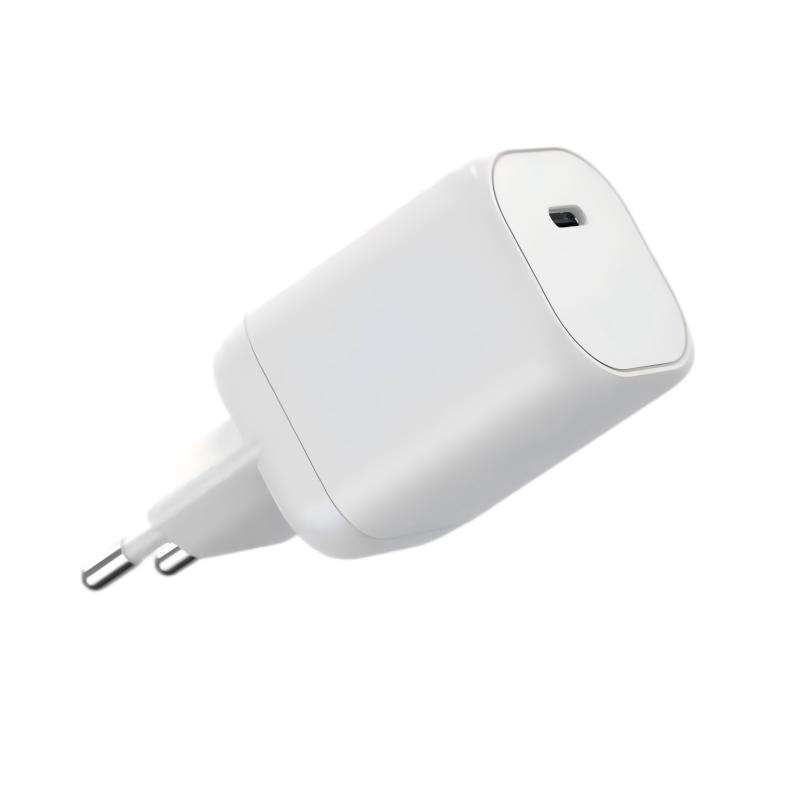
A phone charger works with any Android tablet, but the result varies: a 20W charger fills an entry Tab overnight and a large Tab slowly, and a Pro-class tablet under load may drain while charging. The rule is simple — size the charger for the tablet's screen and workload, not for the "it works" threshold.
The phone-charger scenario deserves a realistic framing: a 20W charger fills an entry Tab overnight and a large Tab slowly, and a Pro-class tablet under load may drain while plugged in. None of this is a defect — the tablet is simply requesting what the charger cannot supply. The fix is sizing the charger to the tablet's workload, exactly as with laptops. For content teams, publishing the "works but slow" versus "full speed" boundary per tablet class answers the question buyers actually ask, and it prevents the support tickets that follow unmet expectations. The boundary is the spec sheet in plain language.
Multi-device charging for tablet users
Tablet users typically carry a phone and earbuds too, which points to a 45–65W multi-port charger as the practical single-brick setup. One port serves the tablet, another the phone, and a third tops up earbuds. The combined-output table is the spec that makes this work, so verify it before buying.
For tablet users who carry a phone and earbuds, the multi-device setup collapses into one brick: a 65W three-port charger feeds the tablet at 45W, the phone at 20W, and trickles earbuds on the third port. The allocation table decides whether all three charge at useful speeds or the tablet starves the accessories. PD negotiation handles the handshake, but the split map is the design decision that makes the setup work in practice — and it belongs on the product page, not just in the manual.
Fleet charging for schools and offices
School fleets add two requirements: durability and security. Charging carts with locked doors and strain-relieved ports protect both the tablets and the chargers, and wall-mounted stations keep cables out of walkways. For offices, per-desk 45W chargers with batch traceability reduce support tickets. In both cases, the charger spec should be written into the fleet RFP so suppliers bid against the same bar.
Choosing tablet-compatible chargers
The checklist for a tablet-compatible charger: USB-C PD support, 30W minimum (45W preferred), PPS where the tablet needs it, certification for target markets, and a combined-output table that holds the tablet port's wattage under multi-device load. A charger that meets all five serves the tablet today and the next tablet after it.
FAQ
What charger does a Samsung Galaxy Tab need?
Most Tabs charge comfortably at 25W; large Tab S models benefit from 45W, especially when used while charging. All modern Tabs negotiate over USB-C PD with PPS on recent models.
Can I charge an Android tablet with a phone charger?
Yes, at the phone charger's wattage. It works for every tablet, but large tablets under heavy use may charge slowly or drain while plugged in — size up for the tablet's workload — the same answer applies across Android tablet brands, since all modern models negotiate over USB-C PD.
Does the Pixel Tablet need a special charger?
No — a 30W USB-C PD charger covers the Pixel Tablet at its maximum, and the same applies to a Xiaomi Pad over PD. Any certified PD charger works.
What is the best charger for a tablet plus phone?
A 45–65W multi-port charger with one port at 30–45W for the tablet and another at 20W for the phone. Verify the combined-output table before buying.
Outfitting tablets for your home, school or business? Send your device mix and volume to our team through the contact page — we can match certified chargers to your Android tablets and provide fleet documentation.
This article is part of Android & Multi-Device Charging, the guide that covers this topic in decision order.