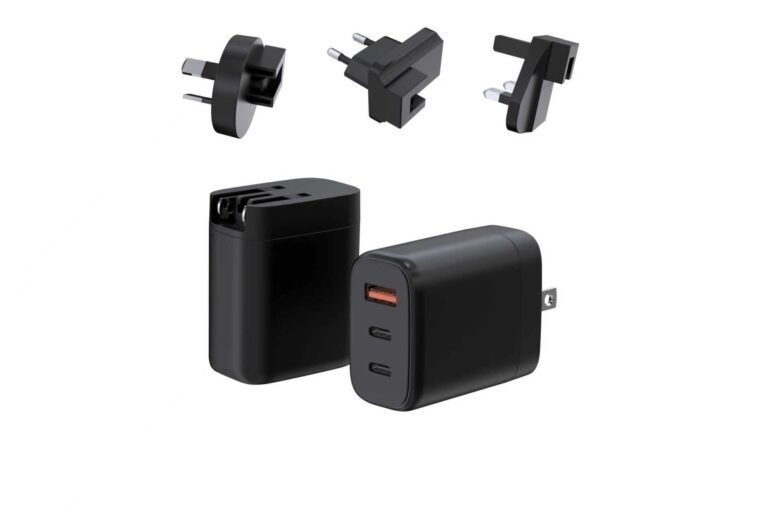
The right charger wattage is decided by the device, not the price: 20W covers phones, 45W handles small tablets and some laptops, 65W is the laptop sweet spot, and 100W powers workstations and multi-device charging. This guide maps devices to wattage tiers, explains how multi-port chargers share power, and shows how to spec a lineup instead of one-off bricks.
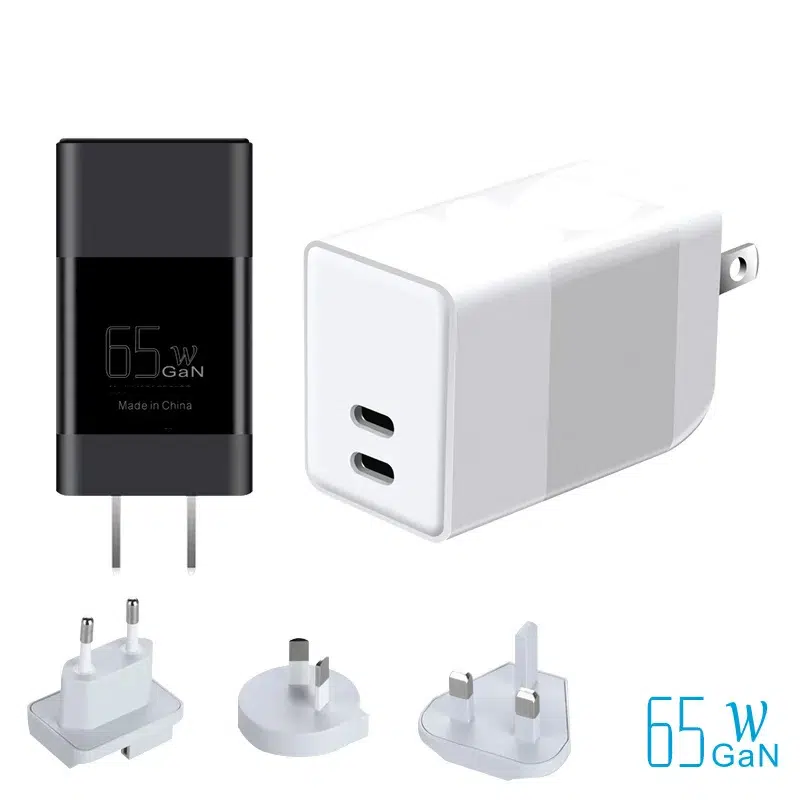
20W vs 45W vs 65W vs 100W: Which Do You Need?
Match the charger to the device’s input rating, then add a little headroom for simultaneous charging. A phone needs 20W, a small tablet or laptop 45W, a standard ultrabook 65W, and a workstation or multi-device setup 100W or more. Buying a higher wattage than needed is safe — the device only draws what it needs — but oversized chargers are bigger and cost more.
What Watts Actually Control (Voltage × Current)
Wattage is the product of voltage and current, and fast charging negotiates both over USB-C PD. A 65W charger typically delivers 20V/3.25A; a 100W unit delivers 20V/5A. The voltage matters for cable loss at high power, and the current for cable and connector thickness — which is why a 100W charger needs a good-quality cable to actually reach 100W.
Matching Charger Wattage to Your Devices
The practical table for product planning:
| Wattage | Typical devices | Best for |
|---|---|---|
| 20W | Phones, earbuds, small accessories | Phone-first SKUs |
| 45W | Small tablets, some laptops | Travel and entry laptop tiers |
| 65W | Standard ultrabooks, tablets | The laptop sweet spot |
| 100W+ | Workstations, multi-device, gaming laptops | Power users and full kits |
Multi-Port Chargers: Per-Port vs Total Power
On a multi-port charger, the headline wattage is the total, and each port gets a slice. A 100W 2-port unit might deliver 65W + 35W, or 100W on one port when the other is empty. When you spec a charger, read the per-port table, not the total — this is where “100W” products quietly disappoint. Our 100W GaN charger page publishes the real port map.
Why OEMs Build a Wattage-Tier Strategy
Instead of one-off bricks, most of our buyers launch a wattage ladder: 20W and 35W for phones, 65W for laptops, 100W for power users, all sharing one design language and one factory. That reduces SKU complexity and reuses certification work. The entry point is usually a 33W GaN charger or a travel charger to test the market at low MOQ.
How Many Watts Do Phones, Tablets and Earbuds Need?
Before you pick a charger tier, match it to the devices in the household — the list is simpler than most people think.
- Earbuds — 5–10W is plenty; any USB-A or USB-C port charges them.
- Phones — 20W covers modern fast charging; some flagships accept 30W–45W.
- Tablets — 20–45W depending on the model; an iPad Pro-class tablet is happiest at 30W+.
- Small laptops — 45–65W is the sweet spot for ultrabooks.
One 65W charger covers a phone plus a laptop; a 100W unit adds headroom for two laptops or a laptop plus a tablet.
Charger Wattage for USB-C Hubs and Docks
Hubs and docks change the wattage calculation because they pass power through to a laptop while powering accessories.
A USB-C hub that feeds a laptop needs passthrough power equal to the laptop’s input — typically 65W or 100W — or the laptop runs on battery while plugged in. Docks with external power often require a 100W adapter to charge the laptop and drive displays. When you spec a hub, check the passthrough wattage, not just the hub’s own power draw.
Does a Higher-Wattage Charger Damage My Device?
This is the most common charger question, and the answer is reassuring: no — within reason.
A charger’s wattage is a capacity, not a force. The device negotiates the profile it needs, so a 100W charger on a phone delivers whatever the phone requests, usually 20W or less. The only risk is using a charger with the wrong voltage or a non-certified product. So buying one tier higher for headroom is safe — the device decides the actual draw.
FAQ
Can I use a 100W charger on a phone? Yes — the phone negotiates the profile it needs; the charger just has more capacity than required.
Is a 65W charger enough for a MacBook? For most MacBook Air and many Pro models, yes — but check the laptop’s input rating for the exact recommendation.
Why is my multi-port charger slow with two devices? Because total power is shared; check the per-port output table.
Do I need a special cable for 100W? Yes — a cable rated for 100W (usually 5A with e-marker) to reach full speed.
Can I OEM a wattage ladder under my brand? Yes. MOQ from 200 pcs per model, shared platforms and certification planning — see the OEM/ODM page, the GaN charger product line, or the contact page.
Reference data: Apple’s charger guidance, USB-IF for PD tiers, Tom’s Hardware for laptop charging tests, and Battery University for charging fundamentals.
Further reading: PCWorld, How-To Geek.
This article is part of Phone Chargers, the guide that covers this topic in decision order.