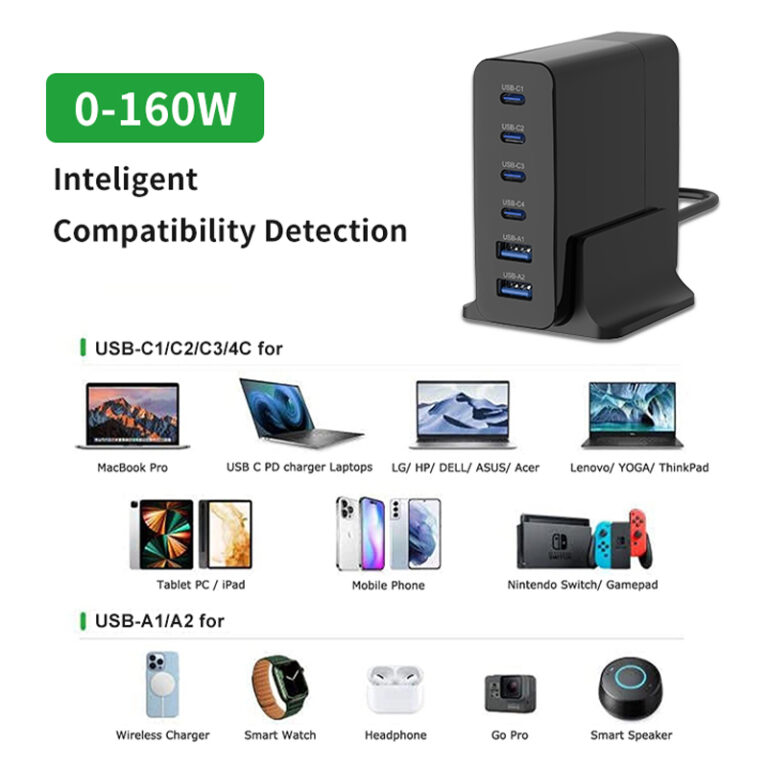
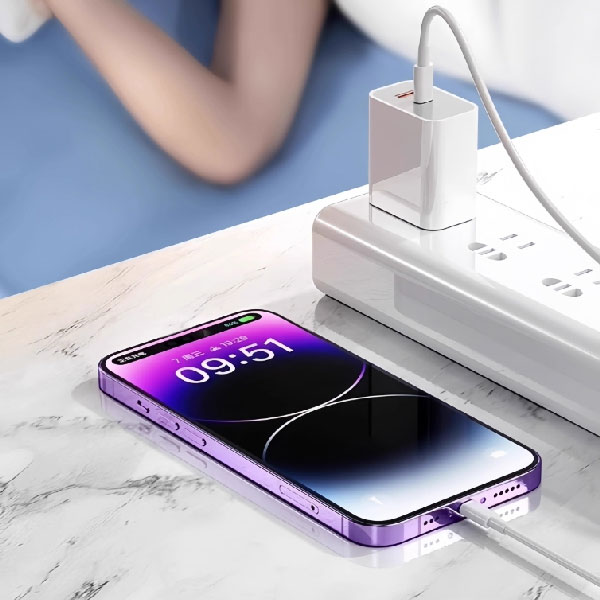
Choosing the right phone charger comes down to three steps: match the fast-charging protocol to your phone, verify safety certification and flame-retardant materials, and pick the power and interface type for your actual scenario. Buying by wattage alone—or grabbing the cheapest adapter on the shelf—is how users end up with slow charging, damaged batteries, or unsafe hardware.
(Last modified date: September 2, 2026)
How do I choose a mobile phone charger? Match charger power to the phone’s fast-charging protocol (not just wattage), check certification marks and flame-retardant materials, and choose the power and interface type for your scenario. Type-C is the mainstream, future-proof interface; certified third-party brands are good budget options.
Key Takeaways
- Match charger power to the phone’s fast-charging protocol, not just to a big wattage number.
- Check certification marks and flame-retardant materials as the safety baseline.
- Type-C is the mainstream, future-proof interface; USB-A is being phased out.
- Original chargers offer perfect protocol fit; certified third-party brands (UGREEN, Anker, BASEUS) are good budget options.
- Avoid mixing incompatible protocols, ignoring cable quality, and overspending on unused high power.
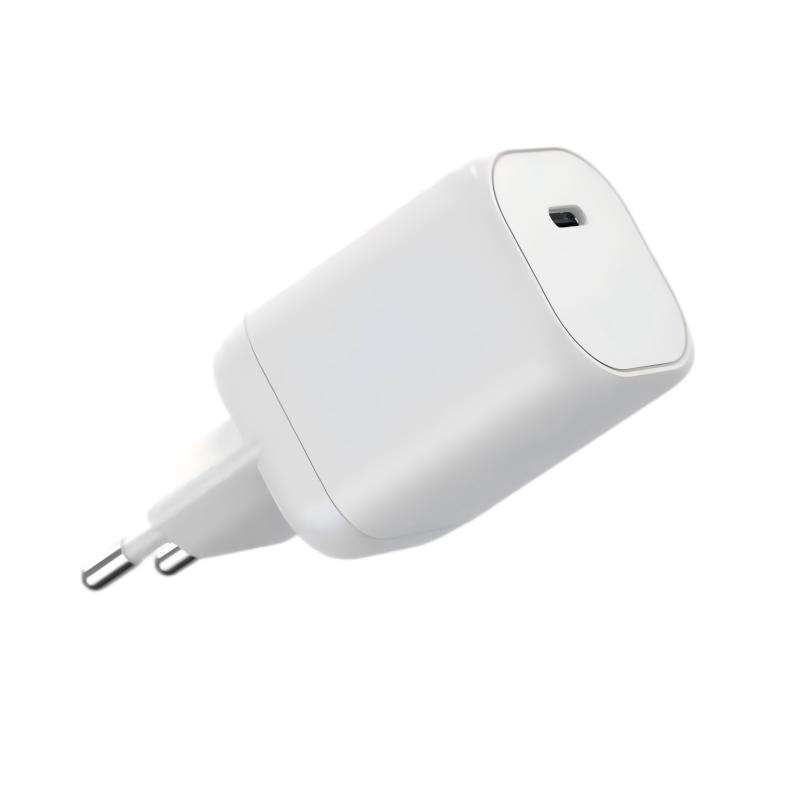
Clarify Your Needs First
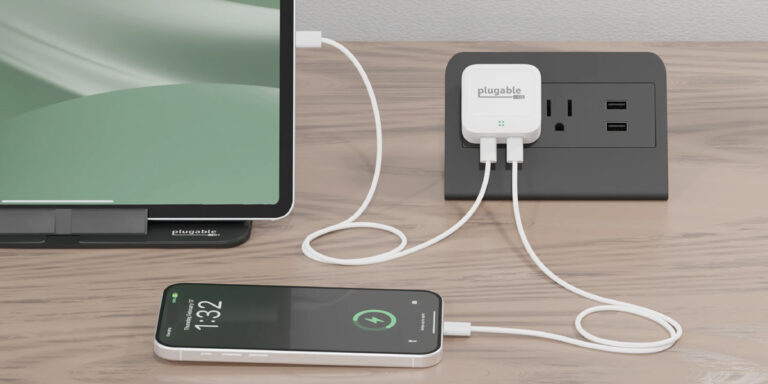
Application scenario: home users may want multi-port chargers; business travelers need lightweight, compact units. Charging speed: fast charging cuts time but slightly affects battery longevity—decide if it is worth it. Device compatibility: if you also charge laptops or tablets, choose a charger that supports multiple protocols (PD, PPS, QC).
Core Parameters: Understand These to Avoid Pitfalls
1. Output Power Matching
Charger power must match the fast-charging protocol supported by the phone. The iPhone 15 series supports up to 27W, while Android flagship phones may reach 120W. Buying a 120W charger for a 27W phone does not make it charge faster.
2. Fast-Charging Protocol
Different brands use different protocols: Huawei/Honor need SCP/FCP; Xiaomi/Redmi rely on a modified PPS protocol; Apple uses universal PD with high third-party compatibility. A charger that does not speak the phone’s protocol will fall back to slow standard charging.
3. Interface Type
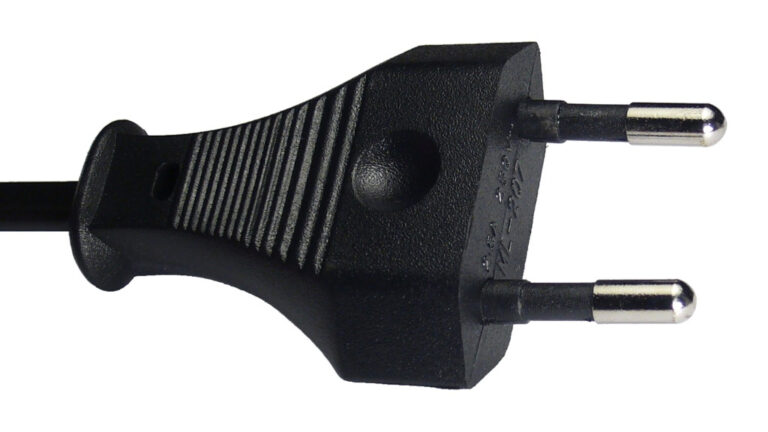
Type-C is the mainstream trend—reversible, supports high-power fast charging, and is increasingly a unified standard. USB-A is gradually phased out; only recommended for users with older devices.
4. Safety Certification
International mandatory marks ensure electrical safety; uncertified products risk short circuits and overheating. The casing should be virgin plastic—recycled plastic is brittle and flammable.
Original vs. Third-Party
| Option | Pros | Cons |
|---|---|---|
| Original charger | Perfect protocol adaptation, high security | Expensive (1–2x third-party price) |
| Third-party charger | Lower cost, wide selection | Requires brand/certification vetting |
Third-party chargers suit non-proprietary-protocol phones (Apple, Samsung) or budget-conscious users. Choose well-known brands such as UGREEN, Anker, and BASEUS, and check certification.
Avoidance Guide: Don’t Make These Mistakes
- Mixing chargers: different brands’ fast-charging protocols are not universal; mixing may cause slow charging and battery damage.
- Ignoring charging cables: poor-quality cables limit current and create safety hazards; Huawei/Xiaomi private protocols need original cables.
- Excessive pursuit of high power: an incompatible high-power charger wastes money; choose according to actual needs.
Environmental Trends and Future Purchasing Suggestions
Type-C will become the mainstream unified interface—prioritize it to extend device service life. Choose products that support universal protocols such as PD and PPS to fit more devices.
Summary: Three Steps to Choose the Ideal Charger
- View protocol: confirm the fast-charging agreement according to your phone brand.
- Check certification: certified marks plus flame-retardant material are the baseline.
- Select by application: choose power and interface type according to your needs.
FAQs
Does a higher-wattage charger charge my phone faster?
Only up to the phone’s own protocol limit. If your phone supports 27W, a 65W charger still charges at 27W; the extra capacity helps only when you also charge laptops or multiple devices.
Can I use any third-party charger with my phone?
Yes, if it supports the phone’s protocol (PD, PPS, or QC) and carries proper certification. Uncertified or mismatched chargers may charge slowly or pose safety risks.
Why does my phone charge slowly even with a fast charger?
Usually the cable is the bottleneck, the protocol does not match, or the phone is in a temperature-limited state. Use a certified cable and a charger that speaks your phone’s protocol.
Is Type-C or USB-A better for a new charger?
Type-C is better for new purchases: it is reversible, supports high-power fast charging, and is becoming the unified standard.
Are certified chargers worth the extra cost?
Yes. Certification is the electrical-safety baseline; uncertified chargers risk short circuits, overheating, and battery damage. For budget buyers, certified third-party brands offer a good balance.
This article is part of Phone Chargers, the guide that covers this topic in decision order.
Related Articles
- USB PD vs PPS: Which One Charges Faster?
- A Brief Guide To PD Fast Charging Protocol
- 5W vs 20W vs 30W iPhone Charger: Which One Is Truly the Fastest?
Official Resources
References
- Protocol behavior and wattage limits follow the original article; confirm with phone manufacturers’ official specs.