A laptop typically takes 1.5 to 3 hours to charge from empty, depending on battery capacity, charger wattage and whether you are using it while charging. This guide explains the variables, the honest way to estimate charging time, and what to do when your charger is missing or too slow.
How Long Does It Take to Charge a Laptop?
Charging time is battery capacity divided by charging power, minus the power the laptop uses while running. A 50Wh laptop on a 65W charger charges in roughly 1.5–2 hours when off; the same laptop on a 45W charger takes closer to 2.5–3 hours, and using it while charging slows the net rate. Expect 2–3 hours as the real-world average for a standard laptop.
What Determines Charging Speed (Wattage, Battery Size, Usage)
Three variables set the time: the charger’s output wattage, the battery’s capacity in watt-hours, and the load during charging. A higher-wattage charger charges faster up to the laptop’s input limit, a bigger battery takes longer, and heavy use while charging adds the device’s consumption on top of the charge rate. The battery itself also slows near 100% to protect the cells.
Fast-Charging Laptops: 45W to 240W USB-C
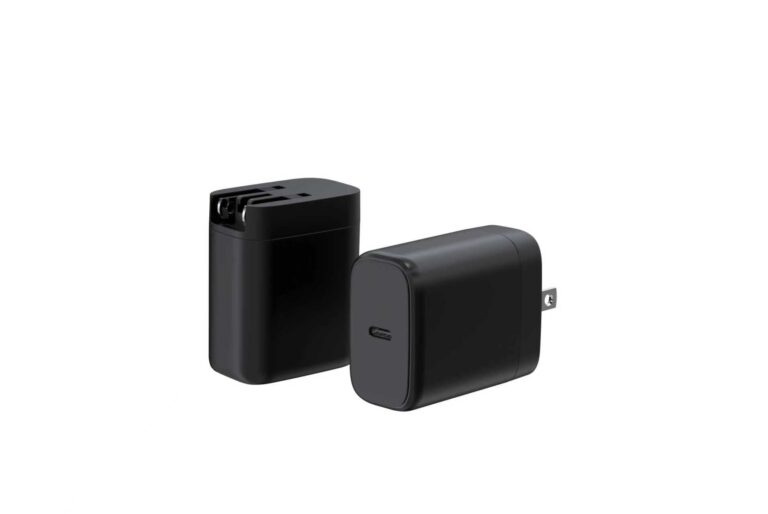
Modern laptops charge over USB-C PD, and the wattage tier maps to the machine: thin ultrabooks take 45–65W, standard laptops 65W, and high-power workstations or gaming laptops 100W–240W. Using a charger one tier above the laptop’s rating is safe and often slightly faster; using one below means slower charging or no charging under load. Our 65W GaN travel charger covers most machines, and the 100W GaN travel charger handles power users.
How to Charge an ASUS Laptop Without a Charger (and Other Brands)
If you lost the charger, check these options in order: a USB-C PD charger that matches the laptop’s input rating; a USB-C power bank with PD output for a partial top-up; or a second USB-C port that some laptops accept for charging. If none of these work, the safest route is the official adapter — third-party chargers should at least match the voltage and wattage the laptop expects, and using an undersized one may trigger slow-charge warnings. Our guide to the best MacBook USB-C chargers 2026 explains the same matching logic for Apple machines.
Tips to Speed Up Laptop Charging
To charge faster, in order of impact: use the highest-wattage PD charger the laptop supports, use a high-quality 5A-capable cable, close heavy apps or put the laptop to sleep while charging, and charge in a cool room (heat slows charging). A travel charger collection page shows the wattage options that fit each tier.
Laptop Charging Speed by Brand: Apple, Dell, Lenovo
Brands differ in charging behaviour more than most users expect, and knowing the pattern avoids the “why is mine slow” surprise.
- Apple — MacBooks follow USB-C PD and charge fastest with a 65W–96W adapter, depending on model.
- Dell — many machines support proprietary fast charging on a barrel adapter and standard PD on USB-C.
- Lenovo — ThinkPads commonly support USB-C PD plus a slim-tip option; USB-C tiers cover 45W–100W.
Check the laptop’s own input rating rather than the bundled adapter — it tells you the fastest tier it can accept.
Does Fast Charging Damage a Laptop Battery?
Fast charging is safe when it is designed in — the risk comes from heat, not from wattage.
Modern laptops limit charge current as the battery fills and throttle power when hot, so a 100W PD charger is no more harmful than a 45W one for the same machine. The bigger factors for battery life are heat, staying at 100% for long periods and deep discharges. Use the charger the laptop supports, keep it cool, and the battery lives a normal lifespan.
How to Tell if Your Laptop Is Charging at Full Speed
A laptop can be plugged in and still charge slowly. Two checks reveal the real rate.
- Check the input negotiation — most laptops show the detected adapter wattage in the OS or BIOS; if it reads lower than the adapter, the cable or port is limiting it.
- Watch the charge rate — battery-monitoring tools show watts going in; compare it with the adapter’s rating to spot a slow cable.
- Test the cable — an e-marked 5A USB-C cable is required for 100W; a 3A cable halves the speed.
FAQ
Is it bad to use my laptop while charging? No — but charging is slower, and sustained heavy load plus charging generates heat.
Can a phone charger charge a laptop? Only if it delivers enough power — most phone chargers are 20W, which is below what laptops need; a 65W+ PD charger works.
Why is my laptop at 99% for a long time? Charging slows near full to protect the battery — this is normal.
Does a higher-wattage charger damage a laptop? No — the laptop negotiates the power it needs; a higher-rated charger just has more headroom.
Can I OEM a laptop charger under my brand? Yes. 45W to 240W, MOQ from 200 pcs. See the OEM/ODM page or contact us.
References: Apple Support for MacBook charging, Microsoft Support for Surface, Dell Support for adapter guidance, and Battery University for battery science.
Further reading: Lenovo Support, How-To Geek.
This article is part of Laptop Chargers, the guide that covers this topic in decision order.