Every family knows the drawer: six chargers, three broken cables, and still nobody can find one when it matters. The fix is a small number of well-placed charging stations — one per room instead of one per person — built around multi-port chargers and simple habits.
Why families end up with a drawer of chargers
Chargers multiply because each phone used to ship with its own brick and each family member develops their own cable habits. The result is clutter plus a persistent "where's the charger" problem. Consolidating around shared stations solves both.
The drawer grows through accumulation: every phone used to ship with a brick, every lost cable gets replaced, and nobody ever throws the old ones away. The cost is not just clutter — it is wasted money, confusing charging speeds and the daily "where is the charger" hunt. Consolidating around a few stations recovers both space and sanity, and it is the change most families can make in an afternoon.
Multi-port chargers that replace several bricks
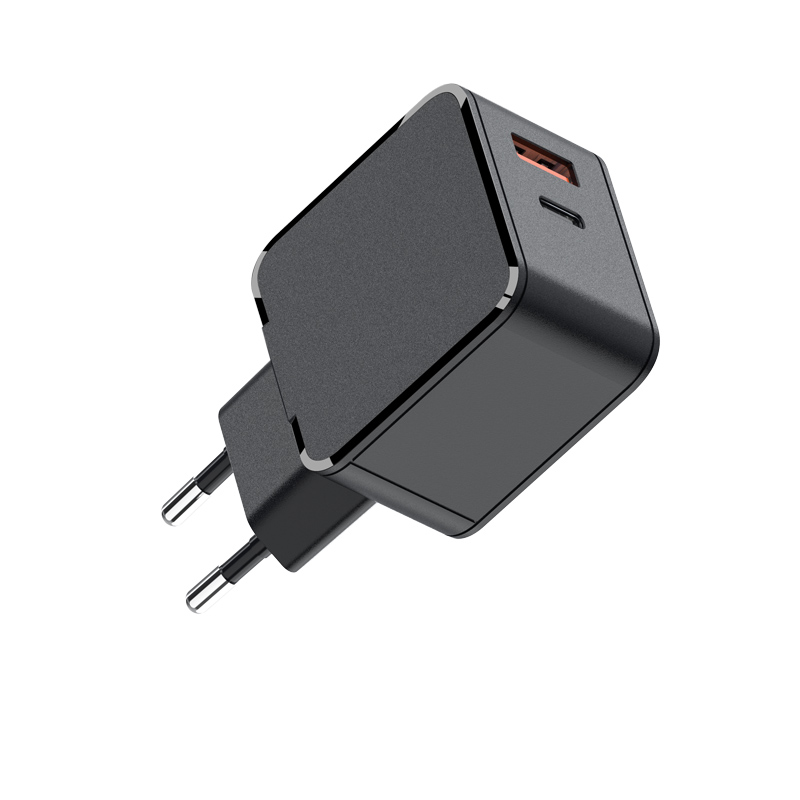
One multi-port GaN charger replaces several single-port bricks, following the high-density multi-port trend: a 65W dual-port model fast-charges two iPhones at once, and a 100W multi-port covers two phones plus a tablet. Choose by the peak simultaneous load of the household, not the device count.
The replacement math is simple: one 65W dual-port covers two phones at fast speed; one 100W three-port covers two phones plus a tablet; a 140W station covers the whole family desk. Each multi-port brick retires two or three single-port adapters, reduces outlet clutter, and gives every family member a predictable charging spot. The trade-off is shared power — which is fine once expectations are set.
Wireless stations for the nightstand
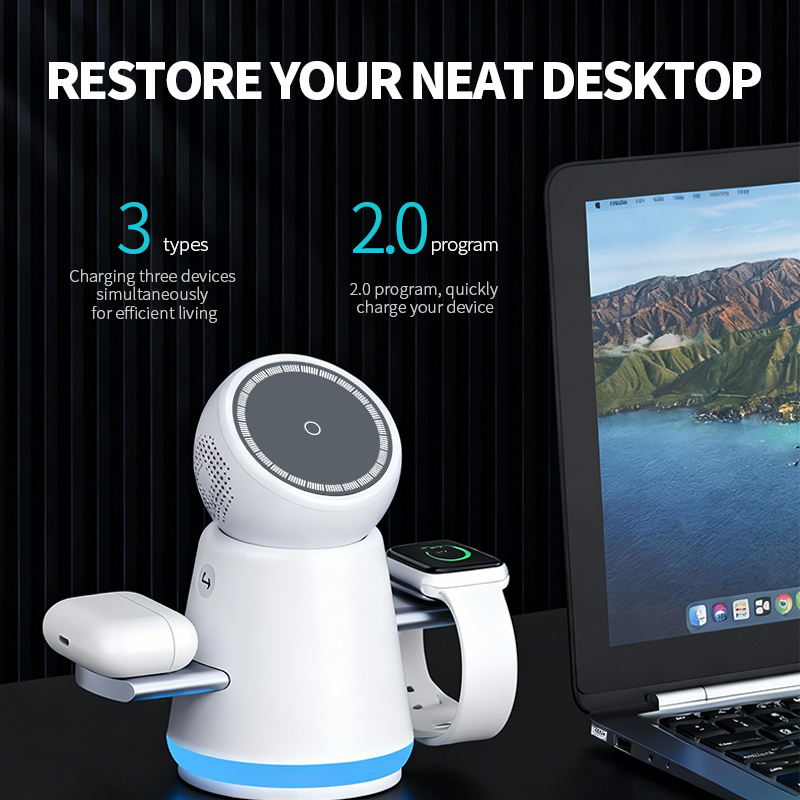
A 3-in-1 wireless station charges phone, watch and earbuds in one spot — ideal for the master bedroom. Wireless is slower than USB-C, but overnight speed does not matter; convenience and tidiness do.
The nightstand is the natural home of a 3-in-1 because it consolidates the three devices people charge overnight: phone, watch and earbuds. Choose a station with weighted stability so it does not topple when a phone is grabbed in the dark, and check the watch spot supports fast charging if the household has a recent Apple Watch. The station replaces three chargers and three cables on one nightstand.
Planning charging spots by room
Assign one charging spot per room instead of one per person: a multi-port station in the living room, a 3-in-1 on the master nightstand, a simple 20W in each child's room, and a 65W+ in the home office. This covers every routine with four or five devices instead of a drawer.
Room planning follows usage: the living room station serves shared daytime charging, the home office needs laptop-capable power, the kids' rooms need simple 20W units, and the entryway benefits from a quick top-up spot. Each spot has a different wattage and layout, and that variety is the point — a uniform charger everywhere wastes capability or creates shortages.
Teaching safe charging habits at home
Charge on hard surfaces, not beds or sofas; unplug by the connector, not the cable; and never use damaged cables. These habits prevent the heat and fire risks that charging safety standards are designed to prevent.
The habits that matter are environmental, not technical: charge on hard surfaces, keep chargers out of beds and under pillows, unplug by the connector, and replace damaged cables immediately. Children learn these habits from watching adults, so make the family station the example — a clean, labeled, hard-surface setup teaches more than any instruction manual.
Building a family charging setup on a budget
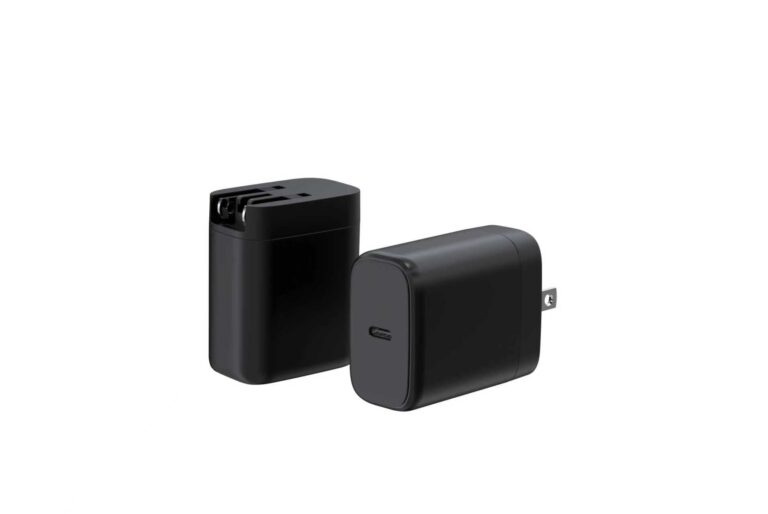
Start with two pieces: one 65W dual-port for the living room and one 20W per bedroom. Add a 3-in-1 wireless station only where the family actually uses watch and earbuds. This covers most families with less money and clutter than per-person chargers.
Labeling chargers to end the cable ownership problem
Label cables with washi tape or colored bands per person, and keep one "house cable" per station that nobody owns. This simple system ends the "that's mine" arguments and the resulting cable theft.
The labeling system works only if it is enforced: assign a color per person, replace lost labels immediately, and keep one unlabeled "house" cable per station. Review the system once a quarter when the inevitable "that's my cable" dispute surfaces. The goal is not perfect ownership but fewer disputes and faster mornings.
Charging speed expectations by family member
Set expectations: shared stations split power, so two phones on a 65W brick charge fast but not at full peak simultaneously. A 20W per-phone charger gives each person full speed; a shared station trades speed for convenience.
Set the expectations explicitly to avoid the household's most common conflict: shared stations split power, so two phones on a 65W brick charge at moderate speed, while a personal 20W charger gives one phone its full fast-charge speed. Families that understand the trade-off stop fighting over the "fast" spot and start planning around it — overnight users plug into the shared station, and the person with a morning deadline uses the personal charger. The same expectation-setting belongs in product listings: a family-oriented charger should state its combined-output behavior plainly, because the family buyer is choosing between convenience (one station) and speed (multiple personal chargers), and the decision needs honest input.
Power strip safety for multi-device charging
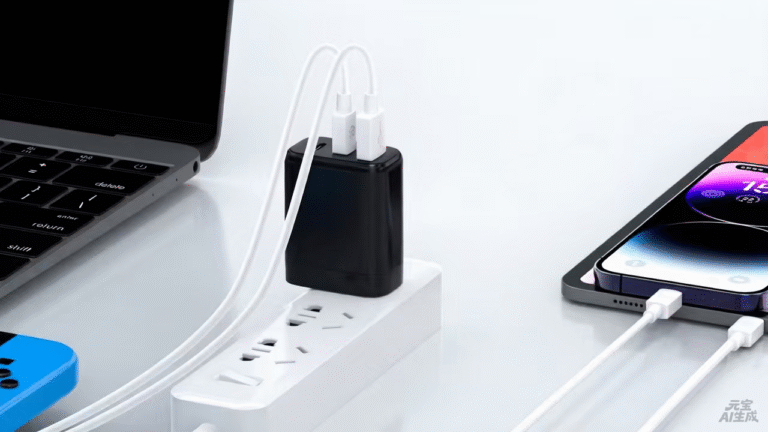
If a station uses a power strip, choose a quality surge-protected strip and avoid daisy-chaining. USB PD chargers draw modest current, but a strip overloaded with other appliances defeats the purpose — give the charging station its own outlet when possible.
Choose a power strip with surge protection and enough spacing for wide chargers, and check its rating against the total load: a 65W charger plus a lamp and a phone draw well under a standard strip's 1,800W, so the risk is not overload but heat and cord management. Avoid coiling cables tightly, which concentrates heat, and inspect strips periodically for scorching or loose sockets.
Upgrading family chargers over time
Refresh the family setup when new devices arrive, favoring USB-C chargers: a new Pro iPhone justifies a 45W charger, a second iPad pushes the shared station to 100W, and a Qi2 wireless station replaces older pads as nightstands upgrade.
A family charging setup that survives kids
Use durable cables, wall-mounted stations or heavy bases that resist pulling, and label ports. Kids break chargers through cable strain more than anything else — quality cables and chargers with good strain relief survive households better than cheap ones.
Kids are hardest on cables and connectors: they yank by the cord, drop devices on plugs, and misplace chargers. Spec for that reality: braided or reinforced cables, strain-relieved connectors, a station with a weighted base or wall mounting, and labels on every cable. The small premium for durable components is cheaper than the replacement cycle.
FAQ
How do I charge multiple iPhones with one charger?
Use a multi-port charger sized for the simultaneous load: a 65W dual-port fast-charges two phones, and 100W+ models add a tablet or laptop.
What is the best nightstand charger for an iPhone?
A 3-in-1 wireless station that charges phone, watch and earbuds is the most convenient; a simple 20W USB-C charger is the budget option.
How many chargers does a family actually need?
Usually four or five well-placed stations — one per room — instead of one per person. Multi-port chargers replace the drawer of single bricks.
Is it safe to leave chargers plugged in all the time?
Yes, with certified chargers. Standby draw is tiny, and modern chargers are safe when idle — the risks come from damaged cables, counterfeit bricks and charging on soft surfaces.
Planning a family-friendly charger setup or a household-oriented product line? Send your needs to our team through the contact page — we can supply the multi-port and wireless stations that turn a drawer of chargers into two tidy spots.
This article is part of Phone Chargers, the guide that covers this topic in decision order.