
Your phone usually stops charging at 80% because of a battery-protection feature, not a fault. Optimized or protective charging pauses at 80% until the device predicts you will unplug it, then tops up the final 20% just before you disconnect. This reduces heat, slows chemical aging, and extends the battery’s usable life—and in some cases overheating or heavy background use can also trigger a temporary stop.
(Last modified date: September 2, 2026)
Why does my phone stop charging at 80? It is usually due to optimized charging features or battery-health limits. Lithium-ion batteries wear faster when kept at 100%, so limiting charge to 80–85% extends longevity. Heat above ~45°C can also pause charging even without a software limit.
Key Takeaways
- An 80% stop is usually battery charging protection, not a charger problem.
- Lithium-ion batteries wear faster when kept at 100%, so limiting charge to 80–85% extends longevity.
- Heat above ~45°C can pause charging even without a software limit.
- Certified GaN chargers with stable output and thermal protection reduce false stops.
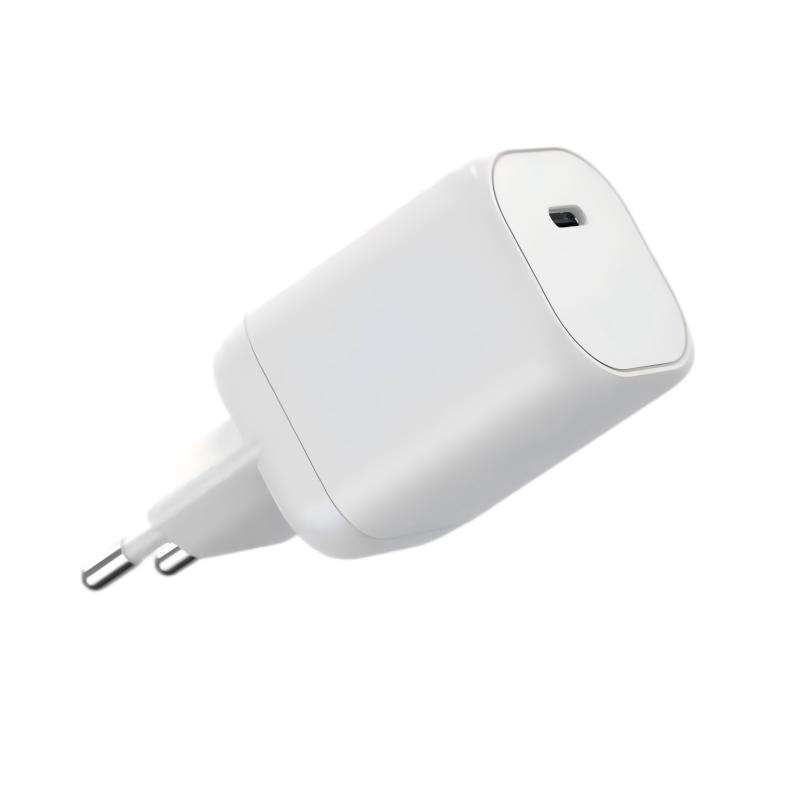
What Is Optimized Battery Charging and How Does It Work?
Optimized battery charging is a feature that stops charging at 80% until the device predicts you will unplug it. By learning your usage habits, it resumes charging before you typically disconnect. This avoids keeping the battery at 100% for long periods, which slows battery wear and extends the number of usable charging cycles. In practice: the phone charges to 80%, pauses, and completes the last 20% just before your usual wake-up or departure time.
Why Do Phones Stop Charging at 80% by Default?
Phones stop charging at 80% to protect lithium-ion batteries from stress. Constantly charging to full capacity accelerates degradation. Stopping earlier reduces chemical strain, lowers heat, and extends overall battery lifespan. Many manufacturers enable this as a default—the same reasoning behind Samsung’s Protect Battery (85% cap) and Asus gaming phones (80% default).
How Does Temperature Affect Charging Past 80%?
| Temperature Range | Impact on Charging | Battery Longevity |
|---|---|---|
| Below 35°C | Normal charging | Safe |
| 36–45°C | Slower charging | Minor wear |
| Above 45°C | May pause at 80% | Accelerated wear |
Heat reduces charging efficiency and long-term battery health. Phones may pause charging at 80% when overheating is detected, ensuring batteries never reach unsafe temperatures.
Does iPhone Stop Charging at 80%?
Yes. iPhones stop charging at 80% when Optimized Battery Charging or thermal protections are enabled. The iOS feature learns daily usage patterns, prevents damage from prolonged full-capacity charging, and resumes to 100% before you typically wake up or unplug.
Which Android Phones Stop at 80% Automatically?
Many Android brands, including Samsung and Asus, offer charging-limit features. Samsung allows users to cap charging at 85%, while Asus gaming phones stop at 80% by default. The setting is usually under “Battery Protection” or “Battery Health” in system settings.
How Can I Disable the 80% Charging Limit?
- iPhone: Settings → Battery → Battery Health → toggle off “Optimized Battery Charging.”
- Samsung: Device Care → Battery → “Protect Battery” → disable.
- Other Android brands: look for “Battery Protection” or “Charging Limit” in battery settings.
Disabling allows charging to 100%, though it may shorten long-term battery life slightly.
Could Charging Accessories Cause the 80% Stop?
Yes. Incompatible or uncertified chargers can trigger interruptions: the device may stop at 80% if the charger delivers unstable power or overheats. Using certified GaN chargers, like those from Wecent, ensures consistent voltage and thermal protection.
Why Is Charging Slower After 80% Even When It Continues?
Charging slows past 80% because lithium-ion batteries use a trickle-charge method near capacity. High-speed charging is unsafe when the battery is nearly full, so the system reduces current flow—ensuring safe, gradual charging from 80% to 100% while reducing heat.
Wecent Expert Views
“Limiting charging to 80% is one of the most effective ways to protect lithium-ion batteries. At Wecent, we design GaN chargers that combine efficiency and safety, minimizing heat while supporting optimized charging modes.”
Conclusion
If your phone stops charging at 80%, it is typically due to optimized charging or heat protection. These safeguards extend battery lifespan and maintain safety. While you can disable the feature, keeping it enabled is often beneficial. Using certified accessories such as Wecent GaN chargers ensures reliable, efficient charging for long-term battery health.
FAQs
Why does my phone stop charging at 80 percent and how can I prevent it?
It is usually due to optimized charging features or battery-health limits. Disable optimized charging in settings if you prefer a full charge, keep firmware updated, match the charger to the device power profile, and avoid heat buildup.
What role does battery health play in charging stopping at 80 percent?
Degraded cells may cap at a lower percentage to protect longevity. Monitor battery health and consider professional calibration or replacement if capacity is significantly reduced.
Can a charger or cable cause charging to halt at 80 percent?
Yes. A faulty charger or low-quality cable can trigger stops due to protection circuits or power-delivery mismatch. Use certified PD or GaN chargers and replace worn cables.
Do software updates influence charging limits at 80 percent?
Software updates can alter charging algorithms, including capped charging to extend battery life. Check release notes and adjust settings after updates.
Is 80 percent a safe default target for all devices?
80 percent is a common recommended target balancing battery longevity and daily use. Some devices offer higher caps or adaptive charging; adjust to your model’s options and needs.
What is the best charging setup for a factory or OEM deployment?
Choose GaN PD chargers with stable current profiles, certified safety features, robust thermal management, and customization options, with reliable warranties.
This article is part of Phone Chargers, the guide that covers this topic in decision order.
Related Articles
- How Long Is the Life of a Mobile Phone Battery?
- How Fast Can Your iPhone Charge?
- Can a High-Power Charger Damage a Low-Power Phone?
Official Resources
References
- OPPO and Xiaomi support documents on the 80% stop are cited in the original article.